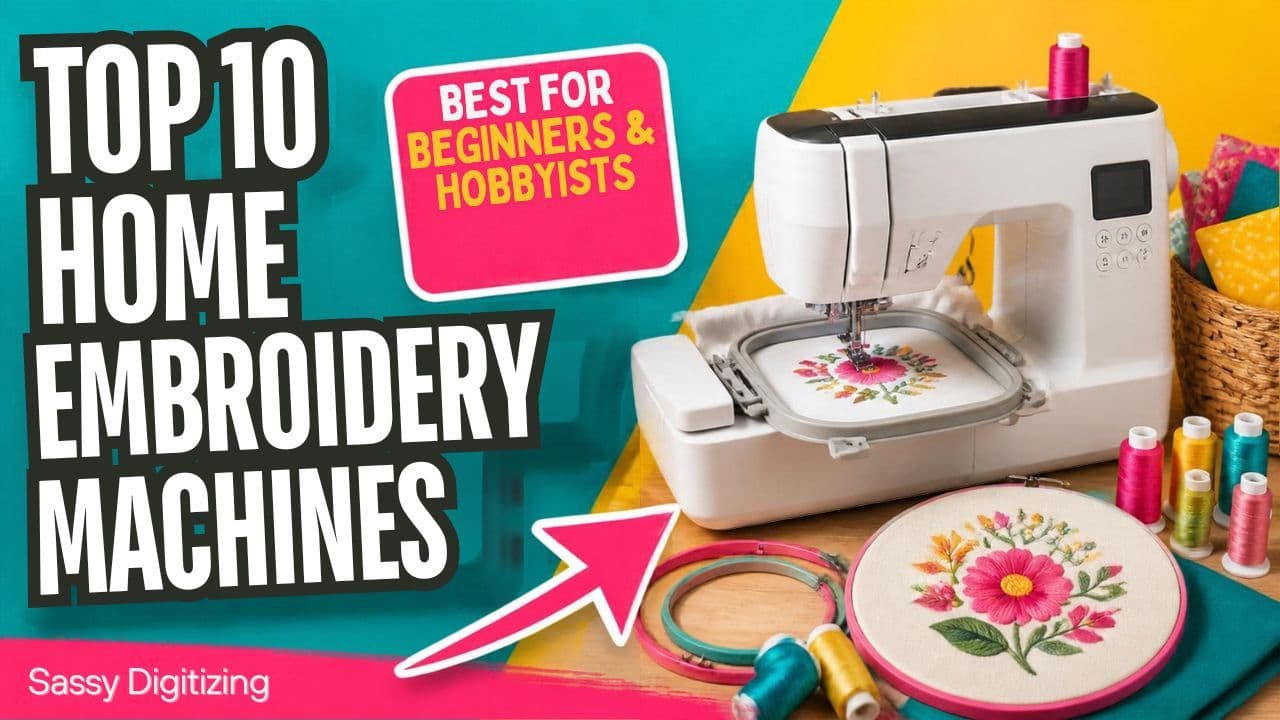
Embroidery Machine for Beginners: The 10 Best Picks
Quick answer
The Brother PE800 is the best embroidery machine for beginners: it is simple to learn and its 5 x 7 inch field handles most projects. Want to sew too? Pick the Brother SE1900. On a tight budget, the Brother SE600 is one of the cheapest ways to start.
Already have a machine and just need your logo ready to stitch? We turn your logo into an embroidery file in your machine's format from $15.
In this guide
- Who This Beginner Guide Is For
- Best Embroidery Machines for Beginners Compared
- How to Choose an Embroidery Machine as a Beginner
- What Can You Make With a Beginner Embroidery Machine?
- Which Beginner Embroidery Machine Fits You?
- The 10 Best Embroidery Machines for Beginners, Reviewed
- Do You Need Digitizing Software as a Beginner?
- Beginner Tips That Save Money
- Single-Needle or Multi-Needle: Which Should a Beginner Buy?
- FAQs
Who This Beginner Guide Is For
This guide is for hobbyists, crafters and anyone starting a small side business from home. If you plan to run customer orders all day, read our companion guide to the best commercial embroidery machines instead.
Sassy Digitizing has built embroidery files for more than 2,168 clients across the USA, and many of them started on a home machine. We see what new stitchers run into, so the picks below focus on choices you will not regret in six months.
Best Embroidery Machines for Beginners Compared
| Machine | Type | Max hoop | Best for | Format |
|---|---|---|---|---|
| Brother PE800 | Embroidery only | 5 x 7 in | Best overall | PES |
| Brother SE1900 | Sewing + embroidery | 5 x 7 in | Best combo | PES |
| Brother SE600 | Sewing + embroidery | 4 x 4 in | Best budget | PES |
| Brother PE545 | Embroidery only | 4 x 4 in | Budget, embroidery only | PES |
| Brother SE700 | Sewing + embroidery | 4 x 4 in | Wireless transfer | PES |
| Brother SE2000 | Sewing + embroidery | 5 x 7 in | Room to grow | PES |
| Janome Memory Craft 550E | Embroidery only | 7.9 x 14.2 in | Large designs | JEF |
| Singer Legacy SE9180 | Sewing + embroidery | Check retailer | Large touchscreen | XXX |
| Bernette 70 DECO | Embroidery only | 6 x 10 in | Big field for the price | EXP |
| Bernina 500E | Embroidery only | 15.7 x 10.2 in | Premium choice | ART, EXP |
Specs come from maker and retailer listings checked in October 2026. Bundles and prices change, so confirm before you buy.
How to Choose an Embroidery Machine as a Beginner
- Hoop size: 4 x 4 inches is fine for monograms and small motifs. 5 x 7 inches handles most projects. Bigger fields suit quilts and jacket backs.
- Embroidery only or combo: combo machines sew and embroider in one, but you switch attachments between jobs. Embroidery-only machines keep things simple.
- Design transfer: every machine here takes a USB stick; wireless models let you send designs straight from your computer or phone.
- Built-in designs and fonts: they help you start fast, but you will soon want your own designs.
- File format: Brother reads PES, Janome reads JEF, Bernina and Bernette read EXP. To turn your own artwork into a Brother file, use our PNG to PES conversion.
- Room to grow: buy a machine you will use for a year or two, not one you outgrow in three months.
What Can You Make With a Beginner Embroidery Machine?
Hoop size decides what fits. As a rough guide:
- 4 x 4 inch: monograms, initials, baby items, patches and small motifs.
- 5 x 7 inch: left chest logos, tote bags, pillow fronts and most T-shirt designs. A standard left chest logo is about 3 to 4 inches wide, so it fits easily. Our left chest digitizing files are sized for that spot.
- 6 x 10 inch and larger: sweatshirt fronts, quilt blocks and bigger designs, and with a large field, small jacket backs.
Caps are the hard part. Most single-needle home machines cannot stitch structured caps well because the front is curved and stiff. Flat bucket hats and beanies can work with the right hoop, but beanies need a file built for knit fabric. If caps are your goal, read the single-needle vs multi-needle section below and get a file made for cap digitizing.
Which Beginner Embroidery Machine Fits You?
Most first-time buyers fall into one of these groups. Pick the row that sounds like you and start with that machine.
- Names, monograms and small gifts: a 4 x 4 inch machine such as the Brother PE535 or SE600 is enough, and it is the cheapest way to start.
- Shirts, totes and left chest logos: get a 5 x 7 inch field. The Brother PE800 is the usual pick, and the SE1900 adds sewing.
- You also want to sew: a combo such as the Brother SE600, SE700 or SE1900 saves buying two machines.
- You hate USB sticks: the SE700 and PE545 send designs over Wi-Fi.
- Big designs, quilts and jacket backs: the Janome Memory Craft 550E or Bernette 70 DECO gives you a much larger field.
- You plan to sell, or embroider caps: skip ahead to the single-needle vs multi-needle section, because a home machine will slow you down.
The 10 Best Embroidery Machines for Beginners, Reviewed
#1Brother PE800
Best overall home embroidery machine
Many hobbyists call the PE800 the standard first machine. It is embroidery only, so the menus stay simple, and its 5 x 7 inch field covers shirt fronts, tote bags and most gifts. It also holds its value well on the used market.
Type: Embroidery only · Max hoop: 5 x 7 in · Built-ins: 138 designs, 11 fonts · File format: PES
Why it made the list
- 5 x 7 inch hoop handles most hobby projects
- Simple touchscreen menus for beginners
- Huge library of tutorials and PES designs online
Watch out for: Embroidery only, so you will need a separate sewing machine. New to PES? Read our PES file guide.
#2Brother SE1900
Best sewing and embroidery combo
If you want one machine that sews and embroiders, the SE1900 is the strongest all-rounder in Brother's mid-range. You get the same 5 x 7 inch embroidery field as the PE800 plus a full sewing machine.
Type: Sewing + embroidery · Max hoop: 5 x 7 in · Built-ins: 138 designs · File format: PES
Why it made the list
- Sewing and embroidery in one machine
- No compromise on embroidery size
- Large built-in stitch library for sewing
Watch out for: You swap between the sewing setup and the embroidery arm, which takes a minute each time.
#3Brother SE600
Best budget pick for beginners
One of Brother's lowest-priced combo machines, and a friendly way to find out whether embroidery fits your life. It sews and handles basic embroidery.
Type: Sewing + embroidery · Max hoop: 4 x 4 in · Built-ins: 80 designs, 103 stitches · File format: PES
Why it made the list
- Low price for sewing plus embroidery
- 80 built-in designs for quick projects
- Easy to learn
Watch out for: The 4 x 4 inch hoop limits design size, so many owners outgrow it.
#4Brother PE545
Best budget embroidery-only machine
The PE545 puts embroidery first at an entry-level price, with wireless design transfer through Brother's apps so you can skip the USB stick.
Type: Embroidery only · Max hoop: 4 x 4 in · Transfer: USB, wireless · File format: PES
Why it made the list
- Embroidery-only simplicity
- Wireless design transfer
- Low entry cost
Watch out for: Small hoop, so large designs need splitting or a bigger machine.
#5Brother SE700
Best for a wireless workflow
The SE700 sends designs over your home Wi-Fi, which cuts out USB shuffling. A good first combo machine if you like modern conveniences. The newer SE725 is a close alternative.
Type: Sewing + embroidery · Max hoop: 4 x 4 in · Transfer: USB, wireless · File format: PES
Why it made the list
- Wireless transfer through home Wi-Fi
- Sewing and embroidery in one
- Beginner friendly
Watch out for: The 4 x 4 inch hoop limits design size, and Wi-Fi setup can be fussy on some networks.
#6Brother SE2000
Best for growing skills
A computerized sewing and embroidery machine that adds a 5 x 7 inch field, wireless transfer and automatic jump stitch trimming, so you spend less time cutting threads by hand.
Type: Sewing + embroidery · Max hoop: 5 x 7 in · Extras: Jump stitch trimming · File format: PES
Why it made the list
- Jump stitch trimming saves manual cutting
- Larger 5 x 7 inch field
- Strong value for the features
Watch out for: Costs more than the SE600 and SE700. Check what each bundle includes.
#7Janome Memory Craft 550E
Best for large designs
The 550E has a 7.9 x 14.2 inch embroidery field, far larger than most home machines. Quilters and anyone making jacket backs or large wall pieces will use every inch.
Type: Embroidery only · Max hoop: 7.9 x 14.2 in · Brand: Janome · File format: JEF
Why it made the list
- Very large field for a home machine
- Solid Janome stitch quality
- Great for quilting and big designs
Watch out for: Costs more than entry Brother models and takes longer to learn.
#8Singer Legacy SE9180
Best large touchscreen
A sewing and embroidery combo with a big touchscreen that makes choosing and editing designs easy. Good for hobbyists who like to work on screen.
Type: Sewing + embroidery · Screen: Large touchscreen · Brand: Singer · File format: XXX
Why it made the list
- Large, easy-to-read touchscreen
- Sewing and embroidery in one
- On-machine design editing
Watch out for: Confirm the embroidery field and warranty terms with your retailer.
#9Bernette 70 DECO
Best big field for the price
Bernette is the more affordable line from the Bernina family. The 70 DECO is embroidery only and gives you a 6 x 10 inch field, larger than most machines at its price.
Type: Embroidery only · Max hoop: 6 x 10 in · Brand: Bernina family · File format: EXP
Why it made the list
- 6 x 10 inch field at a mid-range price
- Often sold with a generous accessory bundle
- Reads common formats as well as EXP
Watch out for: Dealer support varies by region, so check service coverage near you.
#10Bernina 500E
Best premium home embroidery machine
For crafters who will not compromise on stitch quality. It costs the most on this list, but serious embroiderers and boutique sellers often treat it as a lifetime machine, and its 15.7 x 10.2 inch field handles almost anything.
Type: Embroidery only · Max hoop: 15.7 x 10.2 in · Brand: Bernina · File format: ART, EXP
Why it made the list
- Premium stitch quality
- Very large field
- Long lifespan with proper care
Watch out for: Premium price. Most beginners start with a Brother and upgrade later.
Bought a Brother or Baby Lock? These machines read PES files. Send us your logo and we hand-digitize a clean PES sized for your hoop, from $15.
Convert my logo to PESDo You Need Digitizing Software as a Beginner?
Not at first. Your machine comes with built-in designs and fonts, and you can buy ready-made files in your machine's format (PES for Brother and Baby Lock, JEF for Janome, EXP or ART for Bernina). Software only matters when you want to turn your own logo or artwork into a stitch file. Digitizing software has a real learning curve, so many beginners pay a digitizer for their first logos and learn on simpler projects. Our guide to embroidery digitizing software compares the options if you want to try it yourself.
Beginner Tips That Save Money
- Buy good stabilizer before fancy thread. Most puckering comes from the wrong backing, not the machine. Our stabilizer guide shows which one to use.
- Practice with free designs from our freebies page before buying big design packs.
- Own a Brother? Read our Brother machine beginner's guide before your first stitch-out.
- Change one thing at a time, such as the thread or the hoop, so you can see what made the difference.
Single-Needle or Multi-Needle: Which Should a Beginner Buy?
Home machines use one needle and usually stitch at about 400 to 850 stitches per minute, so you rethread for every color. Commercial multi-needle machines hold 6 to 16 colors, change them automatically and run faster. If you plan to sell more than a few dozen items a month, see the commercial guide linked above. Otherwise, a home machine is the lowest-risk way to start.
Got your machine? Get your first logo right.
Tell us your machine and we deliver your logo in the right format, PES, JEF, EXP, VP3 or DST, hand-digitized from $15.
Free PNG preview before delivery · Free small revisions until you're satisfied · 50% off your first order
Convert my logo to embroideryFrequently Asked Questions
What is the best embroidery machine for beginners?
The Brother PE800 for embroidery only, the Brother SE600 for a low-cost sewing and embroidery combo, and the Brother SE1900 if you want a combo with the larger 5 x 7 inch field.
How much does a home embroidery machine cost?
Entry-level combo machines like the SE600 cost a few hundred dollars, mid-range models like the PE800 and SE1900 cost more, and premium machines from Janome and Bernina run into the thousands. Check current retailer prices, since bundles change often.
Do I need a sewing and embroidery combo machine?
Only if you also want to sew garments or quilts. Embroidery-only machines are simpler and have fewer settings to learn.
Can I sell items made on a home embroidery machine?
Yes, many people sell monograms, patches and gifts. Use designs you made, bought with a commercial license, or had digitized for you. Some built-in designs, especially licensed characters, are for personal use only.
What file format does my home machine use?
Brother and Baby Lock use PES, Janome uses JEF, Bernina and Bernette use EXP or ART, and Singer uses XXX. Most machines can also read a few common formats.
Is the Brother PE800 good for beginners?
Yes. It is embroidery only, so there are fewer menus to learn, and the 5 x 7 inch field covers most beginner projects. It uses PES files, the most common home format, so designs are easy to find.
What hoop size should a beginner get?
Get 5 x 7 inches if you can. A 4 x 4 inch hoop works for monograms and small gifts, but most beginners outgrow it within a few months once they want shirt or tote designs.
Can a beginner embroidery machine do hats?
Flat hats and some beanies, yes, with the right hoop and stabilizer. Structured baseball caps usually need a multi-needle machine with a cap driver, plus a file digitized for caps.
Can I use my own logo on a home embroidery machine?
Yes, but a PNG or JPG cannot go straight to the machine. It has to be digitized into a stitch file such as PES or JEF first, either with digitizing software or by a digitizing service.
Keith Blair

Senior Quality Control (HOD)
As the Head of Quality Control at Sassy Digitizing, Keith brings over 12 years of hands-on commercial embroidery experience to the table. He is our resident problem-solver, specializing in the technical nuances of stitch density, pull compensation, and complex digitizing. When he's not establishing quality standards for 3D puff and appliqué, you'll find him perfecting the art of small lettering to ensure every stitch counts.
Expertise:
Related Articles
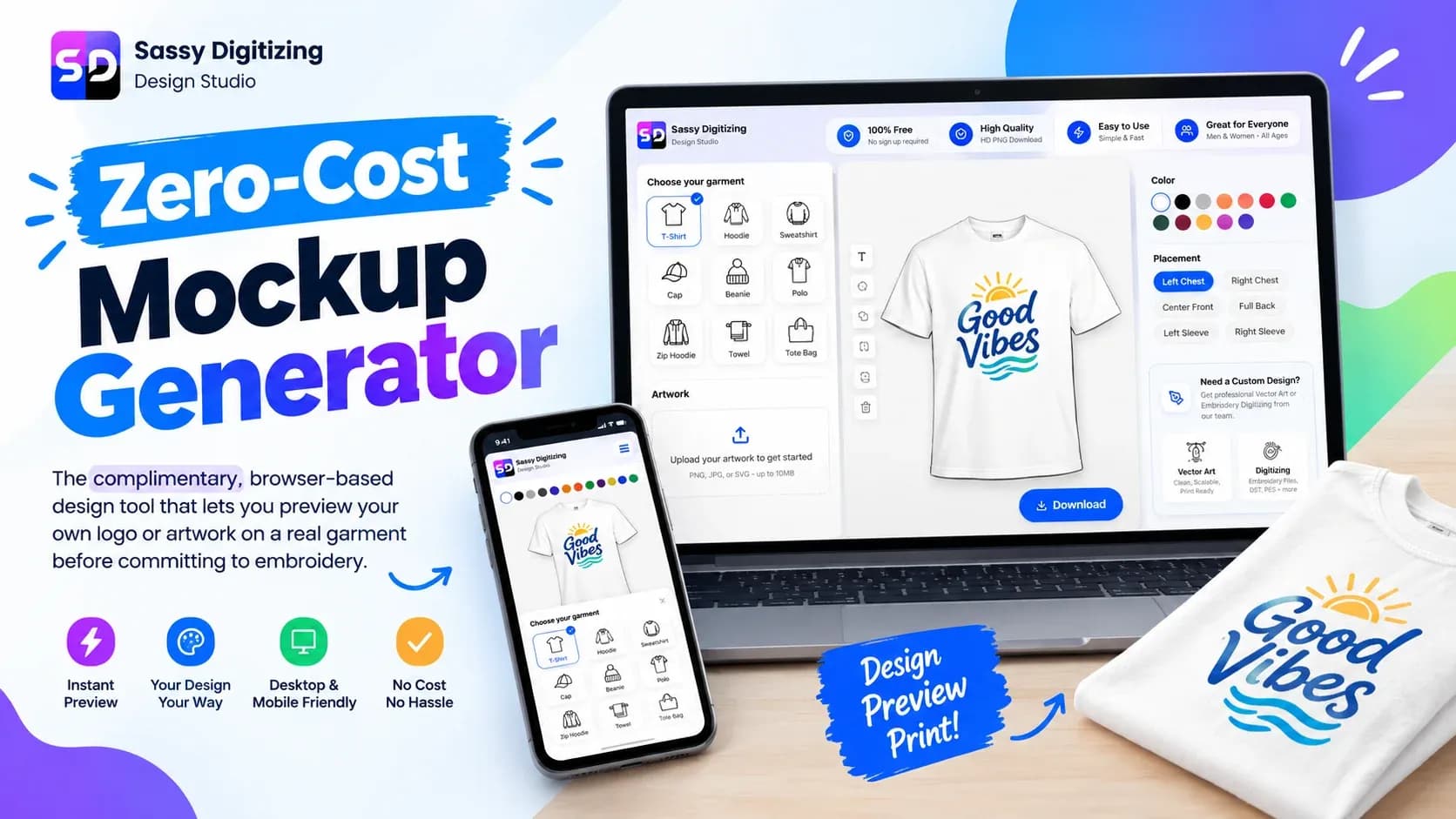
How to Use the Free Embroidery and Print Mockup Generator: Use Cases and Features
The free Sassy Digitizing Mockup Generator lets you upload your artwork and place it on a real garment, cap, beanie, tow…
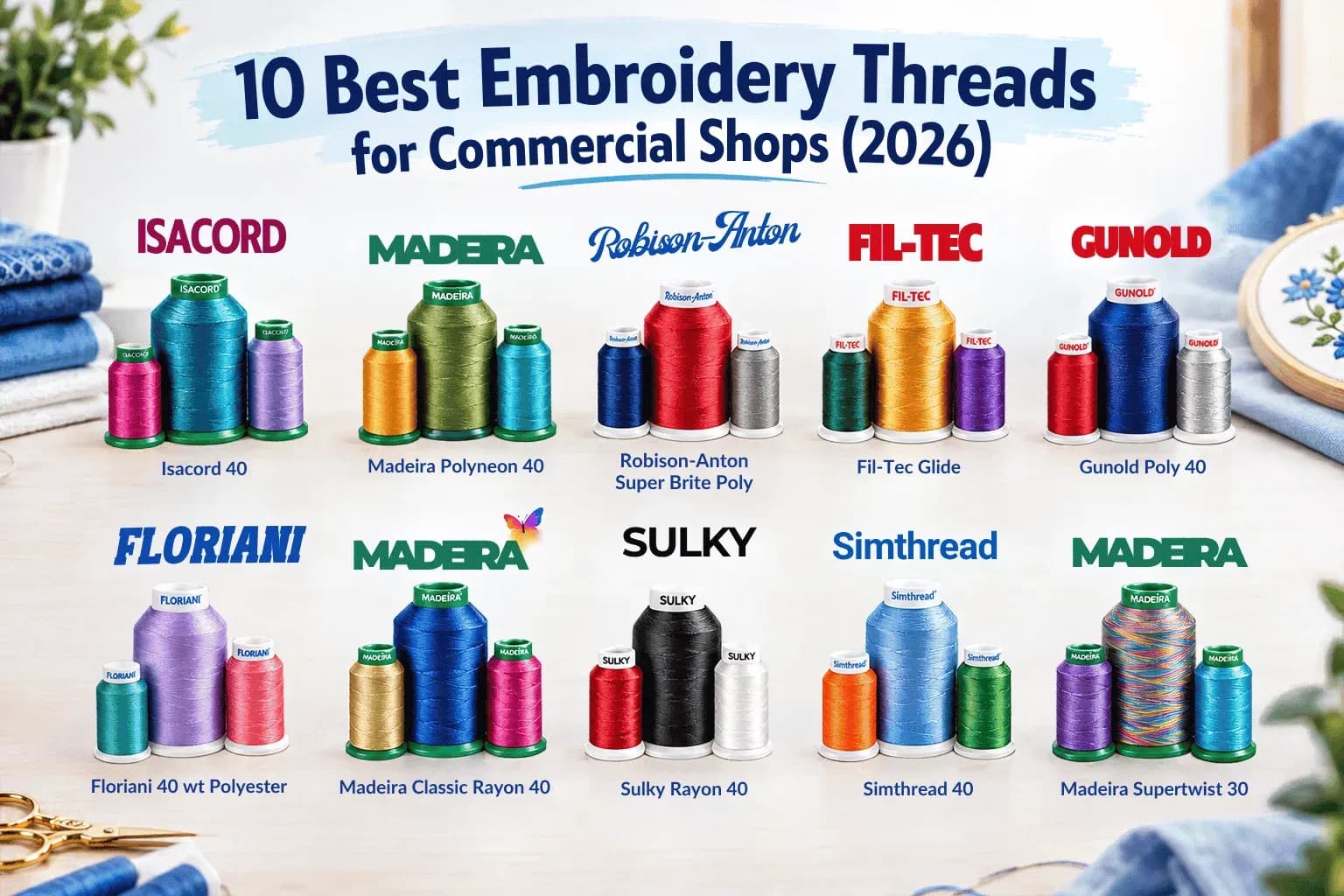
Best Machine Embroidery Thread: 10 Top Brands
The 10 best embroidery threads for commercial shops, ranked on run reliability, durability and color range, with weights…
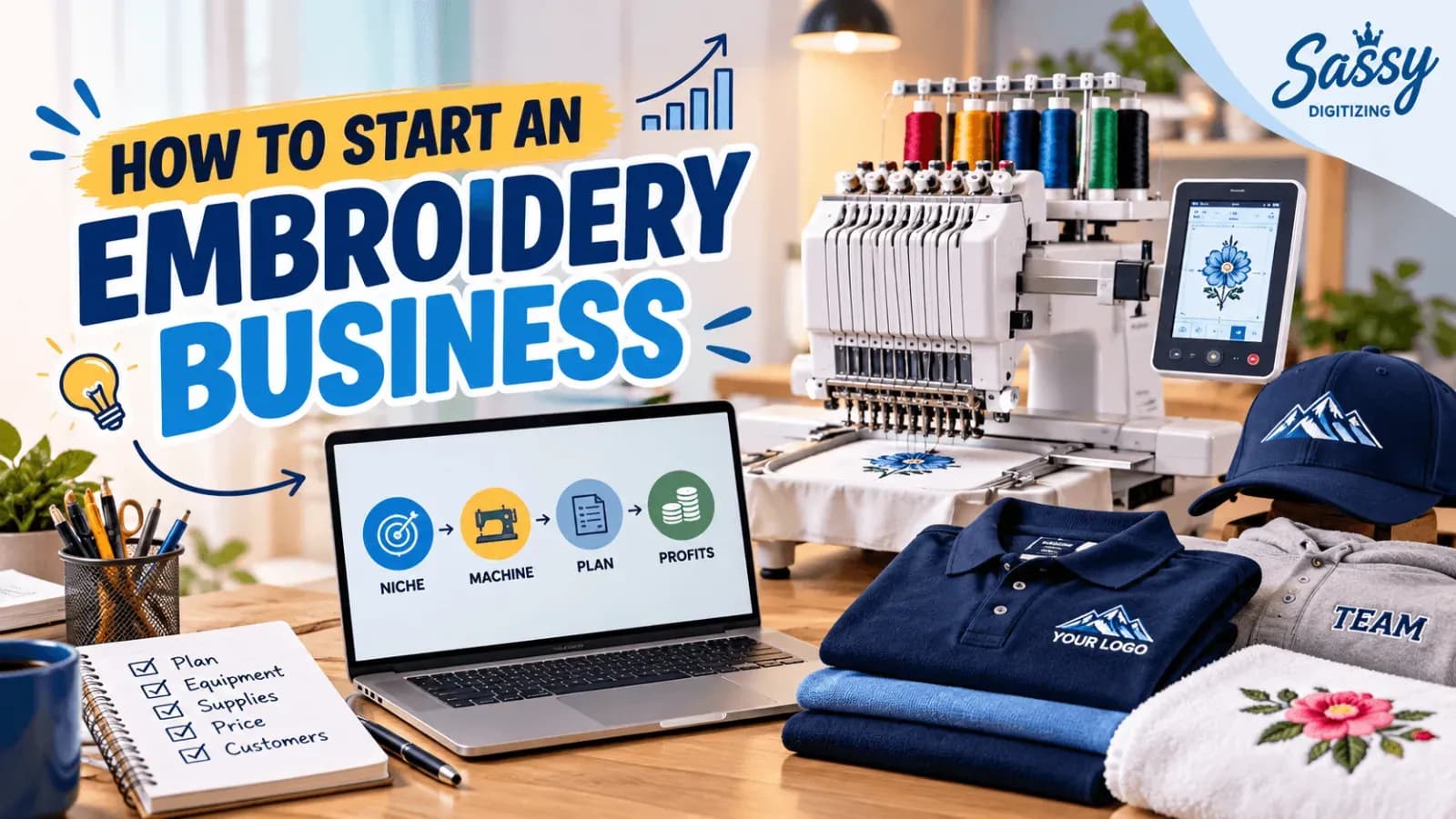
How to Start a Small Embroidery Business: 9 Steps
Learn how to start an embroidery business step by step: choose a niche and machine, register, price your work and win cu…