🧵 1 to 2 hours rush Digitizing Available | No Extra Charge | Serving USA, Canada, UK & Australia | Call: +1 716 309 2066 • Call: +1 815 664 3282
PNG to PES Converter: Brother Embroidery Files
Want it done for you? Send your PNG and get a hand-built PES file in 2 to 4 hours. PNG to PES isn’t a simple export, it’s manual digitizing for Brother machines. A digitizer recreates your PNG stitch by stitch in Wilcom V9/E2, adding proper underlay, density, pull compensation, and thread colors. No auto-digitizing. From $15-$25, delivered in 2–4 hours. Prefer to do it yourself? Read how to convert PNG to PES yourself.
What Is PNG To PES Conversion?
Converting a PNG to a PES file means taking a flat, pixel-based image and manually rebuilding it as a highly technical Brother embroidery stitch file with thread color data. Your Brother embroidery machine cannot read standard image files like PNG.
100% Manual Digitizing
Every PES file is built stitch by stitch in Wilcom V9 and E2 by one of our 38 expert digitizers. No auto-digitizing software, no auto fonts. Every stitch angle, underlay type, density, and thread color is set manually to match Brother machine specifications.
Optimized for Brother Machines
PES files are specifically configured for Brother embroidery machines including PE-550D, PE-770, PE-800, Innovis series, Dream Machine, and Stellaire models. We set proper hoop size limits, thread color palettes, and bobbin tension compensation for Brother-specific requirements.
Thread Color Data Included
Unlike basic DST files, PES files include full thread color information and needle change sequences. Your Brother machine displays exact thread colors needed and prompts for each color change automatically during production.
Clean Stitch Paths for Brother
Proper jump stitch planning and trim sequencing prevents thread nesting on fabric underside and reduces trimming time in production. Every thread route is planned manually for clean results on Brother machine hardware.
PNG vs PES: What’s the Difference?
A PNG is a pixel-based image for viewing or printing, while a PES is an embroidery file for Brother and Babylock machines that includes stitch-by-stitch instructions. Converting PNG to PES isn’t automatic because embroidery typically requires manual digitizing, stitch planning, density and underlay adjustments, and fabric compensation.
What a PNG File Is
A raster image made from pixels
- A PNG file is made from coloured pixels arranged in a grid
- It stores image and transparency information, not embroidery stitches
- Pixels do not contain stitch angles, pull compensation, or density settings
- Even a high-resolution PNG is still only a picture of the logo
- Embroidery software cannot accurately generate clean stitch paths automatically
- Auto-converted embroidery files usually sew poorly with gaps and thread breaks
⚠️ Cannot be directly converted to PES
What a PES File Is
Machine embroidery instructions for Brother and Babylock
- A PES file contains exact stitch coordinates and sewing instructions
- It defines stitch types, stitch direction, trims, jumps, and density
- Professional PES files are manually digitized by embroidery experts
- The file is adjusted for fabric type, thread tension, and embroidery size
- Brother and Babylock machines read the PES file to sew the design step by step
- A properly digitized PES file runs cleaner with fewer thread breaks and sharper details
✓ The file your embroidery machine actually needs
How We Convert PNG to PES
When you send us a PNG logo or artwork, our digitizers manually recreate the design as embroidery stitch data inside Wilcom V9 and Wilcom E2. Every outline, fill area, lettering section, and stitch angle is built manually for embroidery production. The PNG works as the visual reference while the PES file is created from scratch specifically for embroidery machines.
💡 The cleaner your PNG image is, the better your PES embroidery file will sew. High-resolution artwork allows us to capture fine details accurately and create cleaner stitch paths.
✓ Do this:
- Send high-resolution PNG artwork at 300dpi or higher
- Use transparent or white backgrounds whenever possible
- Tell us the exact embroidery size needed
- Mention the garment type such as cap, jacket, hoodie, or polo
- Provide thread colour references if exact matching is important
✗ Avoid this:
- Do not send blurry or compressed PNG screenshots
- Avoid PNG files with busy photographic backgrounds
- Do not rely on automatic conversion software for production embroidery
- Do not skip garment details because cap and flat embroidery require different digitizing settings
Send your PNG artwork today and receive a clean production-ready PES embroidery file within 2 to 4 hours.
Convert PNG to PES From $15-$25Real PNG to PES Results. Trusted by Our Customers.
See real examples of our PNG to PES conversions and hear from happy customers who trust us with their designs.
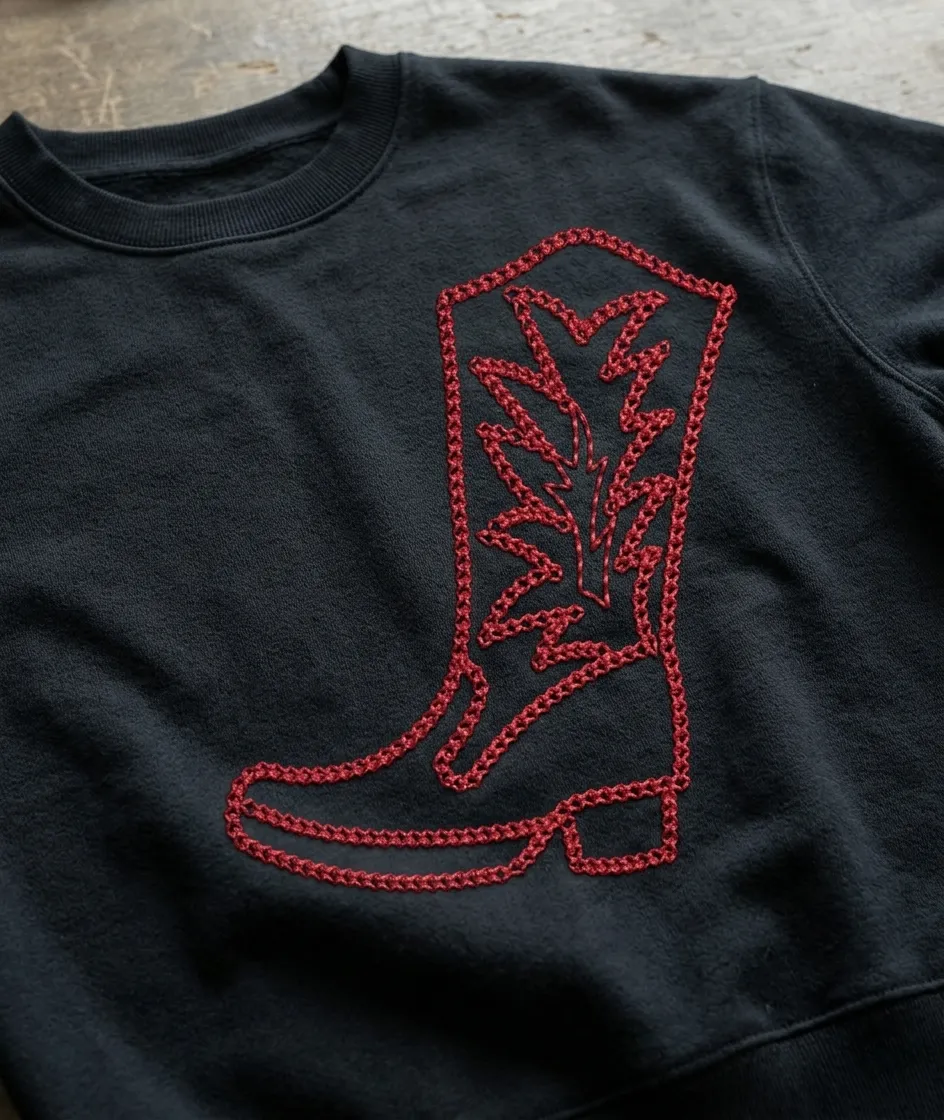
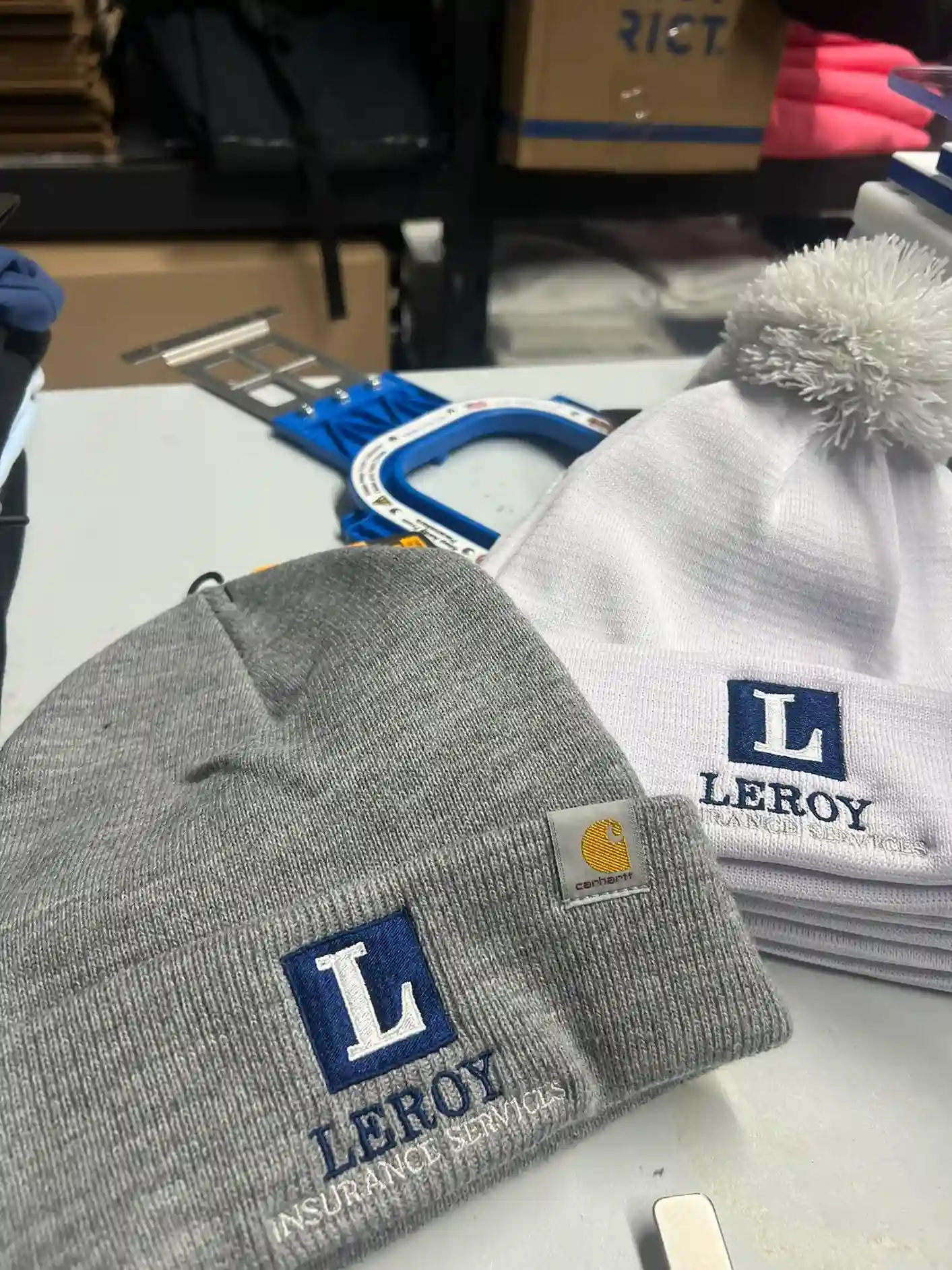
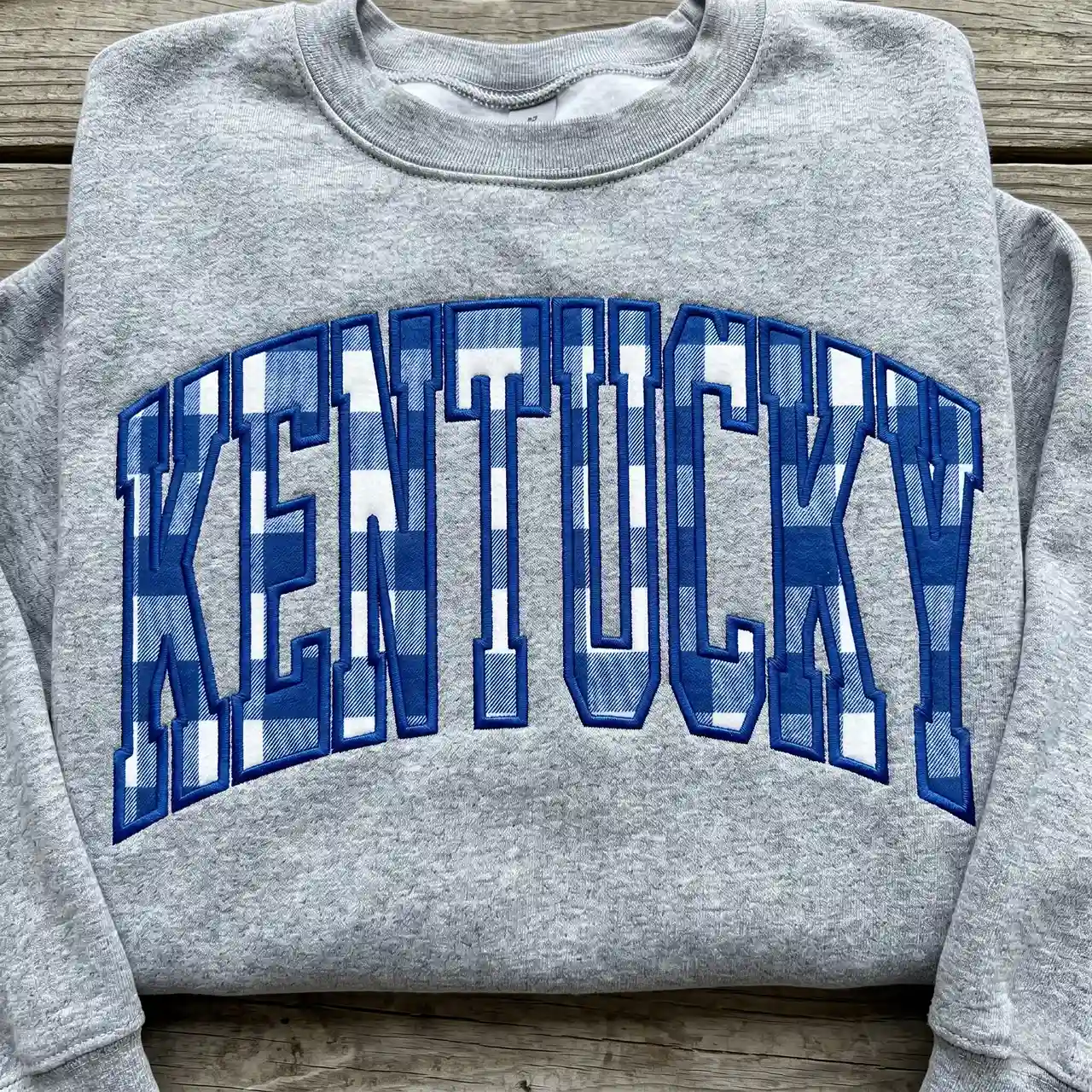
54,273+
Designs digitized
 Google
“Thank you for all your help converting a rough .png file to a file my machine could read. Quick turn arounds and very responsive to modifications as I made practice stitch outs. Had a wonderful experience.”
Kathie S
 Trustpilot
 4.7/5
4.7/5Fast Turnaround
2 to 4 hours
Manual Digitizing
100% Hand-Digitized
How Our PNG to PES Conversion Works
From your PNG artwork to a Brother machine-ready PES file with thread color data, here is exactly what happens step by step.
01
Upload Your PNG Artwork
2 minutes
Send us your PNG via our order form. We also accept JPG, PDF, and AI. Just let us know your fabric type and Brother machine model so we can optimize the PES file for your specific setup.
02
We Confirm & Quote
Within 30 minutes
We review your PNG artwork to confirm stitch count and pricing. If the PNG resolution is too low or design details are unclear, we advise you upfront. No surprises, just professional assessment.
03
Manual Digitizing in Wilcom
2 to 4 hours
Our digitizers hand-map every path manually in Wilcom V9 and E2, setting stitch widths, edge compensation, underlay, and thread colors specifically for Brother machine specifications. Rush service in 1 to 2 hours available at no extra charge.
04
Preview & PES Delivery
Final Delivery
You receive a stitch preview and the final PES file with embedded thread color data. If anything needs adjustment, we fix it free of charge. Your PES file is ready to load directly onto your Brother machine.
From PNG Image to Production-Ready PES File in Hours
Built for Brother and Babylock machines.
Upload PNG ArtworkPNG to PES Conversion Specs
- Recommended source resolution
- 300 DPI at final embroidery size, lower resolution still workable
- Compatible machines
- Brother and Babylock (PES); other formats included on request
- Pricing
- From $15, delivered in 2 to 4 hours
- Also included
- DST and EMB on request at no extra cost
Frequently Asked Questions
Common questions about converting PNG to PES for Brother embroidery.
Can you convert a PNG file to a PES embroidery file?
Yes. A digitizer rebuilds your PNG stitch by stitch in Wilcom, sets density, underlay and pull compensation for your fabric, adds thread colors, and saves it as PES for your Brother or Baby Lock machine.
Is there a free PNG to PES converter?
Free online converters exist, but they auto-trace the image and usually give jagged edges, too many stitches and thread breaks. Our PNG to PES converter is manual: a digitizer rebuilds your PNG in Wilcom for your Brother machine, from $15, delivered in 2 to 4 hours.
Can you convert a JPG to PES too?
Yes. JPG, PNG, PDF and other images all work the same way: a digitizer rebuilds the design stitch by stitch and saves it as PES for your Brother or Baby Lock machine.
What PNG resolution do I need?
Ideally 300 DPI at the final embroidery size, or at least 1,000 pixels wide for a chest logo. Lower resolution still works because the design is redrawn, but small text is easier to match from a sharper image.
Can I also get DST or EMB with my PES file?
Yes. Every order can include PES, DST, EMB and other formats at no extra cost, so the same design runs on any machine you own.
How much does PNG to PES conversion cost and how fast is it?
Most logos cost $15 to $25. Standard delivery is 2 to 4 hours, and rush in 1 to 2 hours is available.
Convert Your PNG to PES Today
Upload your PNG and receive PES, DST, EMB and every other embroidery format in 2 to 4 hours. Not sure yet?