🧵 1 to 2 hours rush Digitizing Available | No Extra Charge | Serving USA, Canada, UK & Australia | Call: +1 716 309 2066 • Call: +1 815 664 3282
Sassy Digitizing LLC – Professional Embroidery Digitizing Service
  • Home
  • Embroidery Digitizing Services
    View all →
    • Cap Digitizing
    • 3D Puff Digitizing
    • Left Chest Digitizing
    • Jacket Back Digitizing
    • Small Letter Digitizing
    • Applique Digitizing
    • PNG to PES
    • Convert Logo to Embroidery
    Vector Art Services
    View all →
    • DTF / DTG Vector Art
    • Image Vectorization Service
    • Laser Engraving Vector Files
    • Logo / Flyer / Poster Vector Design
    • Screen Printing / Sublimation Vector Art
    • Vinyl Cutting Vector Files
  • Portfolio
  • Flat RateDesign PackSubscription
  • FreeBie
  • About UsQuality GuaranteeManual vs AI Digitizing
  • Contact
  • Blog
Client Login
Design Studio
Client Login
Home/Vector Services/Image Vectorization

Image Vectorization ServiceBitmap to Vector by Hand

Convert pixelated bitmaps into clean, scalable vector art. Each file is manually redrawn in Adobe Illustrator using precise Bézier curves and minimal anchor points for smooth, lossless scaling-ideal for signage, wraps, engraving, and embroidery. From $10, delivered in 2–12 hours. No auto-trace.

Production-Quality Image Vectorization, Every Time

Every bitmap we vectorize is manually redrawn into true, scalable vector format-not auto-traced. Skilled graphic artists use Bézier curve expertise and anchor point economy to analyze your image, separate elements and color regions, and place minimal points for smooth, accurate curves. You get clean vector art with smaller file sizes that prints flawlessly at any size and works across production tools like vinyl cutting, laser engraving, CNC routing, and embroidery digitizing.

Order File Now

Bitmap Analysis and Path Planning

Before tracing, we analyze your bitmap to detect distinct elements, color regions, and detailed areas needing different anchor point density. This planning guides efficient path placement, curve vs. corner decisions, clean vector results, visual accuracy, and optimized file size.

Manual Bézier Curve Tracing

We redraw each bitmap element in Adobe Illustrator using Bézier curves and carefully placed anchor points for smooth, natural paths. By using only the minimum points, we avoid auto-trace clutter, reducing file sizes and improving production compatibility.

Quality Verification and Path Cleanup

After tracing, we review each path for smooth flow, aligned anchor points, and continuous curves. We organize overlaps into layers, consolidate colors into spot/process, and test extreme scaling for zero distortion. Only verified, quality-standard vector files are delivered.

Infinite Scalability Testing

Vector files must keep perfectly smooth edges at any size. We test vectorized images at 1000%+ to ensure smooth curves, clean anchor point flow, and consistent line weights. Your artwork scales from thumbnails to building-sized graphics with no quality loss.

Image Vectorization: Manual vs Auto-Trace

Feature
Auto-Trace Software
Our Manual Vectorization Service
Path QualityJagged curves with hundreds of excess anchor pointsSmooth Bézier curves with minimal optimized anchor points
File SizeBloated files (500KB-5MB) slow production equipmentOptimized files (50KB-500KB) process efficiently
ScalabilityRough edges visible when scaled largePerfect smoothness at any scale from business card to billboard
Production CompatibilityRequires extensive cleanup before useWorks immediately in vinyl cutters, laser engravers, embroidery machines
Color AccuracyPoor color sampling creates incorrect palettesManual color matching to your original bitmap
TurnaroundInstant but unusable results2-12 hours with production-ready quality

Auto tools are fast, but manual service ensures print-ready accuracy.

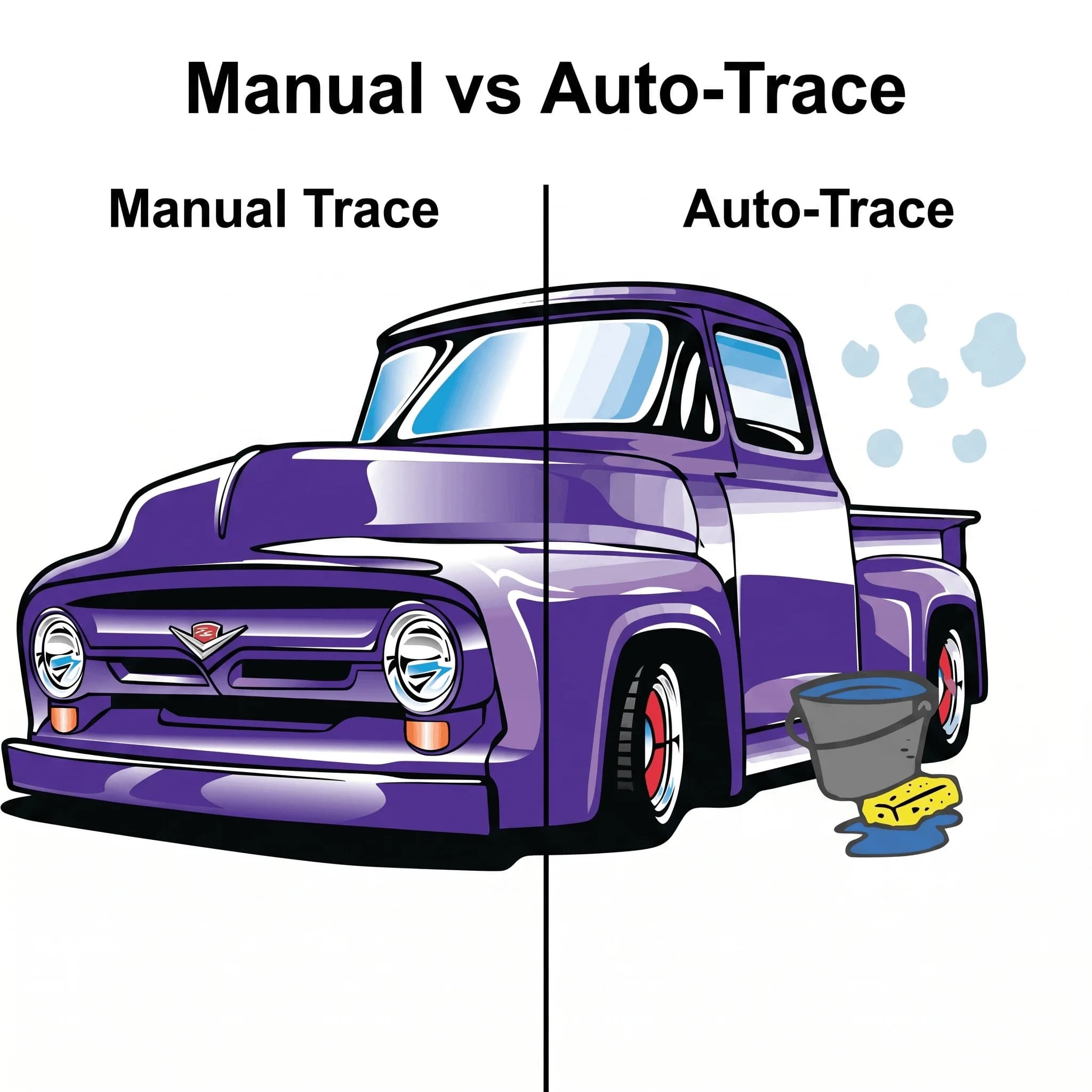
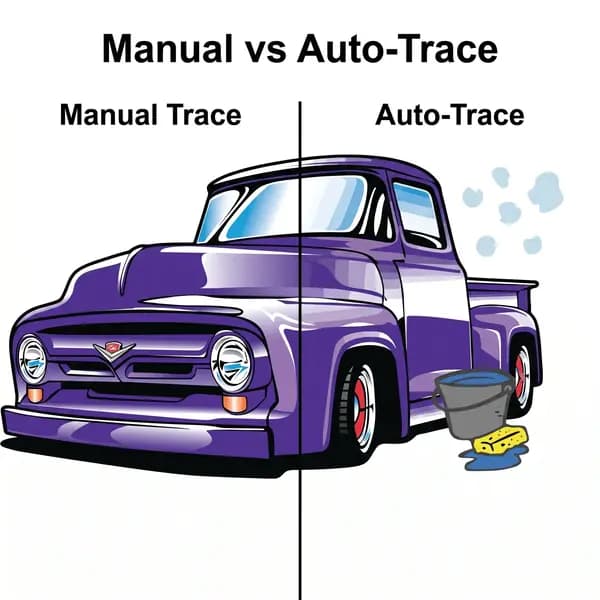
Manually vectorized image with smooth optimized bezier curves and minimal anchor points that scale infinitely for vinyl cutters, laser engravers, and embroidery
Before
After

Auto-Trace vs Manual Vectorization See the Quality Difference

Auto-trace tools like Adobe Illustrator Image Trace create jagged paths with thousands of unnecessary anchor points that produce rough edges when scaled large or sent to production equipment. Manual vectorization produces smooth, optimized paths with minimal anchor points that scale infinitely and process correctly through every vinyl cutter, laser engraver, CNC router, and embroidery digitizer without edge quality issues or machine processing errors.

  • ✓Smooth Bézier Curves: Hand-placed anchor points for natural, flowing path shapes
  • ✓Minimal Point Count: Efficient paths without excess anchor points that bloat file size
  • ✓Perfect Scalability: Resize from thumbnail to billboard with zero quality degradation
  • ✓Production Equipment Compatible: Clean paths that CNC routers, laser cutters, and plotters execute correctly
Convert Your File To Vector Now

4 Steps to Clean Vector Conversion

A meticulous process for transforming bitmap images into production-ready vector artwork. Every vectorization project follows these four stages from bitmap upload to scalable vector download.

01

Upload Your Bitmap Image

2 minutes

Upload your JPG, PNG, BMP, GIF, or TIFF file via our secure portal. We accept any resolution, including low-quality phone photos or scans, and manually trace them into vectors. Tell us if it’s for printing, cutting, or engraving so we can optimize the detail.

02

Manual Path-by-Path Redrawing

2-3 hrs

Our vectorization artists study your bitmap and redraw every element in Adobe Illustrator using the Pen Tool and Bézier curves. They place anchor points for smooth curves and clean corners, precisely match colors, and organize them into spot or process color definitions for production-ready output.

03

Path Optimization and Scale Testing

30-60 min

Completed vector paths are checked for smooth flow, continuity, and efficient anchor points. Extra points are removed, layers organized, and artwork tested at 1000% to ensure smooth edges and no pixelation before delivery approval.

04

Download Multi-Format Vector Package

Final delivery

Download AI, EPS, SVG, and PDF vectors in one bundle, all with identical paths and infinite scaling. Includes a high-res PNG proof and free revisions within 7 days of delivery for refinements.

Manual Vectorization for Sharp Prints and Clean Cuts

No messy auto-tracing, broken paths, or jagged outlines. Just production-ready vector files.

Convert Image to Vector

Related Vector Services

3 resources
Service
DTF / DTG Vector ArtPrint-ready vector art for DTF and DTG printing.
Service
Laser Engraving Vector FilesPrecision-ready vector files for laser engraving machines.
Service
Vinyl Cutting Vector FilesClean cut-ready vector files for vinyl machines.

Related Resources

2 resources
Knowledge Base
PNG vs Vector GuideWhy production always needs vector, not PNG.
Knowledge Base
Vector vs Raster GuideResolution independence explained for print and embroidery.

Prefer the DIY route?

How to convert a PNG to vector yourself

Want to convert PNG to vector yourself? Or learn PNG vs vector.

Frequently Asked Questions

Common questions about converting raster images to vector.

Can you vectorize low-resolution or blurry bitmap images?

Yes, manual vectorization works from any legible reference regardless of resolution. Even low-quality JPGs, phone photos, or compressed images can be redrawn into clean scalable vectors. If important details are unclear, we confirm before proceeding.

How is manual vectorization different from auto-trace software?

Auto-trace creates jagged paths with excessive anchor points. Manual vectorization uses skilled artists to redraw artwork with optimized anchor placement, resulting in smoother curves, smaller file sizes, and production-ready quality.

Will vectorized images scale to any size without losing quality?

Yes, vector files use mathematical paths instead of pixels, allowing infinite scalability. Your artwork can be resized from small logos to large prints without any quality loss or pixelation.

How much does image vectorization cost?

Simple designs start at $10. Standard logos range from $15 to $25. Complex artwork such as mascots or detailed illustrations ranges from $30 to $75 depending on complexity.

How quickly can you vectorize my bitmap image?

Simple logos take 2 to 4 hours. Standard designs take 4 to 6 hours. Complex artwork may take up to 12 hours. Rush delivery is available at no extra cost.

What bitmap formats can you accept for vectorization?

We accept JPG, PNG, BMP, GIF, TIFF, PSD, and PDF files. Screenshots, photos, and scanned images also work as long as the design is visible.

What is a vectorization service?

A vectorization service converts a raster image, made of pixels, into vector artwork made of scalable paths. We do this by manually tracing the image in Adobe Illustrator with the Pen tool, not by running it through auto-trace software, so edges and curves stay clean at any size.

Is a PNG a vector file?

No. A PNG is a raster image made of pixels that pixelates when enlarged, while a vector file is made of scalable paths. See our PNG vs vector guide for the full comparison.

Get Your Image Vectorized Today

Upload your image and receive clean AI, EPS, SVG and PDF files in 2 to 12 hours. Not sure yet? Get 50% off your first order and check the quality first.

Upload your artwork
Sassy Digitizing LLC – Embroidery Digitizing and Vector Art Services

Sassy Digitizing LLC

Embroidery Digitizing Files & Vector Art - Delivered in 2 to 4 Hours.

Serving USA · Canada · UK

Quick Links

  • About Us
  • Our Services
  • Blog
  • Contact Us
  • Freebies
  • Portfolio
  • Pricing
  • Design Studio

Guides

  • Embroidery Digitizing Services
  • Vector Art Services
  • Tools
  • Knowledge Base

Contact

  • +1 716 309 2066
  • +1 815 664 3282
  • info@sassydigitizing.com
  • 1908 Thomes Ave STE 49702
    Cheyenne, WY 82001

Payment Accepted

Accepted payment gateway methods

Trusted by Thousands

Trustpilot logoTrustpilot
4.7 out of 5 stars on Trustpilot
Google logoGoogle

SSL Secured

256-bit Encryption

Privacy Protected

Your data is safe

Secure Payments

Safe & encrypted

© 2026 Sassy Digitizing LLC. All Rights Reserved.

Privacy PolicyTerms & ConditionsRefund PolicyDelivery Policy
Professional vector art conversion service
★Trustpilot
Sassy Digitizing rated 4.7 out of 5 stars on Trustpilot by verified embroidery clients

4.7/5

Google ReviewsGoogle

4.9/5

What is the end use? *

Step 1 of 2

Color Requirements *