What Is a DST File? The Commercial Embroidery Format Explained
A DST file is the Tajima stitch format used by commercial embroidery machines worldwide. Learn what it contains, which m…
Read More
PES is the native embroidery format for Brother and Babylock machines. Unlike DST, it includes thread color data and a preview thumbnail. PES versions must match what your Brother machine supports. We provide the correct PES version in 2–4 hours starting at $15.
The Brother embroidery machine's PES format stores stitch data and thread colour information in one file. It is different from DST files because it includes colour data and a preview image.
Need one made from a PNG or logo? See our PNG to PES conversion guide
Built for Brother Machines: native format for all Brother and Babylock embroidery systems.
Colour Data Included: stores thread colour codes for automatic colour display.
Included with Every Order: PES delivered alongside DST and EMB at no extra cost.
Delivered in 2 to 4 Hours.
PES is the native file format for Brother and Babylock embroidery machines. It is also compatible with PE-Design software and some Viking machines. For all other commercial machines, DST or JEF format is appropriate.
Unlike DST, PES files store thread colour codes that map to specific thread brands. When you load a PES file into a compatible Brother machine, the colour sequence is pre-loaded so operators do not need to set colours manually.
PES is included with every order from Sassy Digitizing at no extra cost. Tell us your Brother machine model and we deliver the correct PES version alongside DST and EMB in the same delivery.
Standard delivery is 2 to 4 hours. Rush delivery in 1 to 2 hours at no extra charge.
PES is the standard format for all Brother and Baby Lock embroidery machines. This covers the full range from entry-level home machines like the Brother SE700 all the way up to semi-commercial machines like the Brother PR multi-needle models. Baby Lock machines are manufactured by Brother and use the same PES format. If you have a Brother machine of any kind, PES is the format you need.
PES files come in multiple versions. Older Brother machines may only read up to PES version 6. Newer machines read PES version 10 and above. When you order from Sassy Digitizing, tell us your specific machine model and we deliver the correct PES version. A PES file in too high a version number for your machine will either fail to load or produce incorrect results.
Which File Does What
For Brother and Baby Lock machines
For commercial Tajima and Barudan machines
Before running a PES file on your Brother machine, check that your machine firmware is up to date. Load the thread colours that the PES file specifies. The colours in a PES file are matched to a thread brand chart. Brother machines typically reference their own thread range but can be adjusted to Madeira or Isacord.
💡 If your machine displays a colour mismatch warning when loading a PES file, it means the thread codes in the file do not match the thread chart your machine is set to. This is a display-only issue and does not affect the stitch path.
✓ Do this:
✗ Avoid this:
The most common PES problem is a version mismatch. If your machine shows a file error when loading a PES file, the version of the file is likely higher than your machine firmware supports. The solution is to request a lower version PES from your digitizer. Always tell your digitizer your exact machine model number when ordering.
💡 Sassy Digitizing automatically matches the PES version to your machine model. Just include your Brother or Baby Lock model number in the order notes.
✓ Do this:
✗ Avoid this:
| PES Version | Machine Compatibility | Notes |
|---|---|---|
| PES v1 to v3 | Older Brother machines | Basic compatibility layer |
| PES v4 to v6 | Brother PE400 to PE770 era | Most common legacy version |
| PES v7 to v8 | Brother SE and NQ series | Increased colour support |
| PES v10 and above | Current Brother Innov-is, SE700 and up | Full colour and design name support |
| PES v12 | Latest Brother models only | Tell us your model and we match the version |
Need a PES file for your Brother or Baby Lock? Tell us your model and we deliver the correct version.
Order Custom Digitizing
Senior Quality Control (HOD)
As the Head of Quality Control at Sassy Digitizing, Keith brings over 12 years of hands-on commercial embroidery experience to the table. He is our resident problem-solver, specializing in the technical nuances of stitch density, pull compensation, and complex digitizing. When he’s not establishing quality standards for 3D puff and appliqué, you’ll find him perfecting the art of small lettering to ensure every stitch counts.
Expertise:
Go behind the scenes of our design process. Discover technical tips for embroidery digitizing and best practices for high-quality vector conversions.
A DST file is the Tajima stitch format used by commercial embroidery machines worldwide. Learn what it contains, which m…
Complete guide to every major embroidery file format. Learn which format your machine needs, what each file contains, an…
Embroidery density controls how many stitches are placed per unit area. Too high causes puckering and thread breaks. Too…
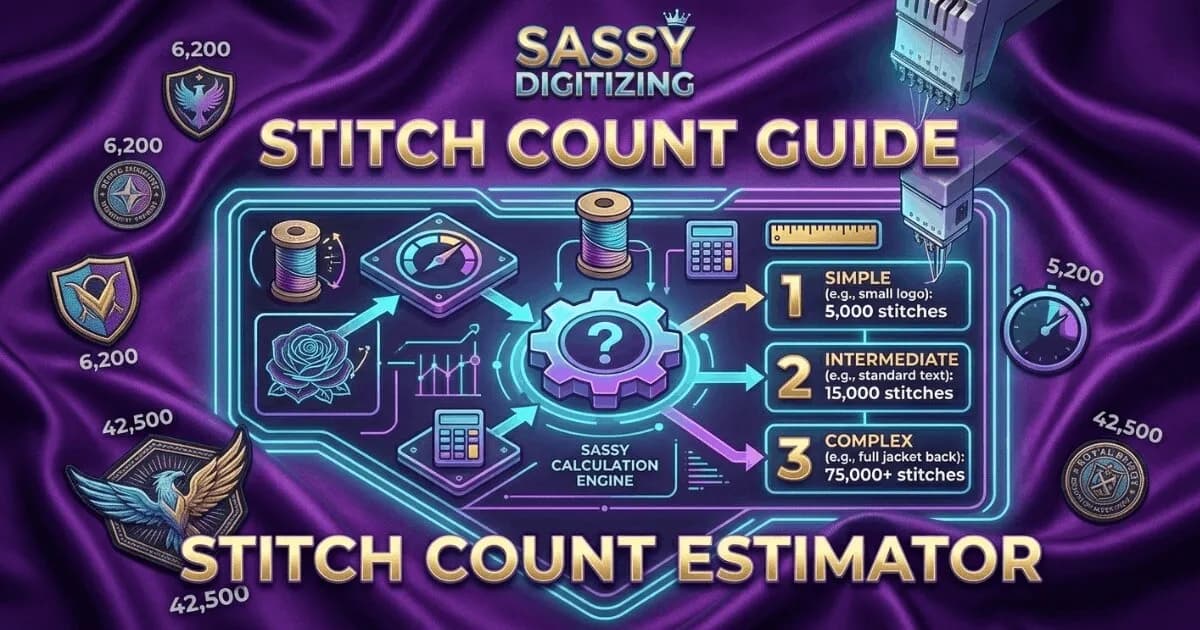
Stitch count is the total number of individual needle penetrations in an embroidery design. It determines pricing, produ…
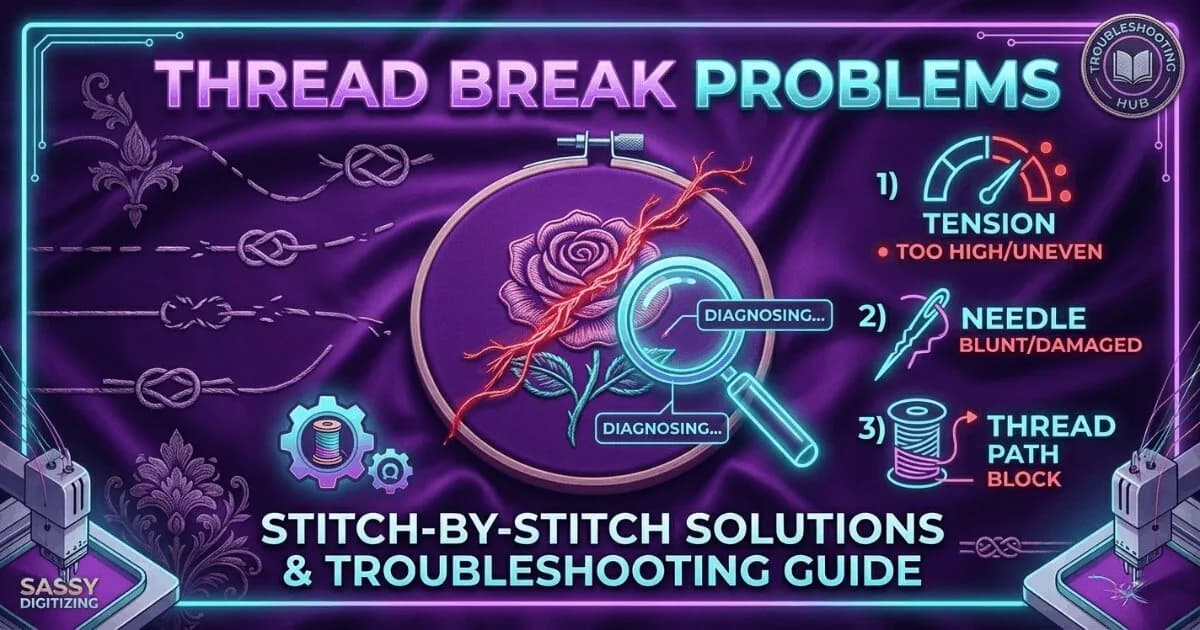
Thread breaks are the most common production problem in embroidery. Learn every cause, how to diagnose which one is affe…
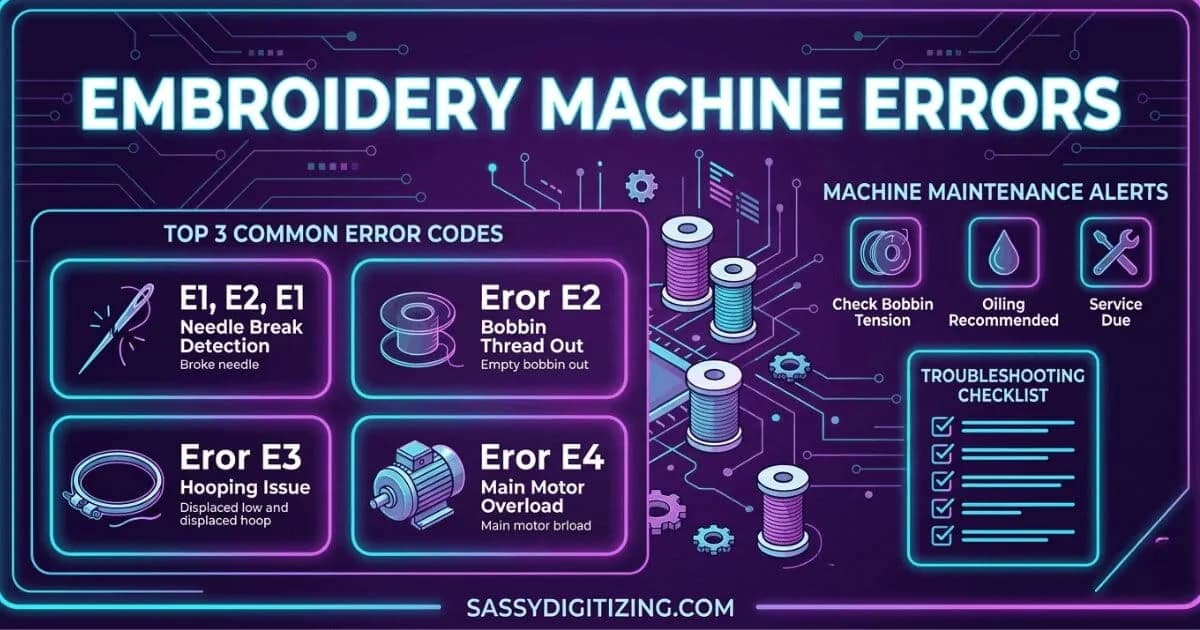
A guide to the most common embroidery machine error codes and problems. Learn what each error means, what causes it, and…
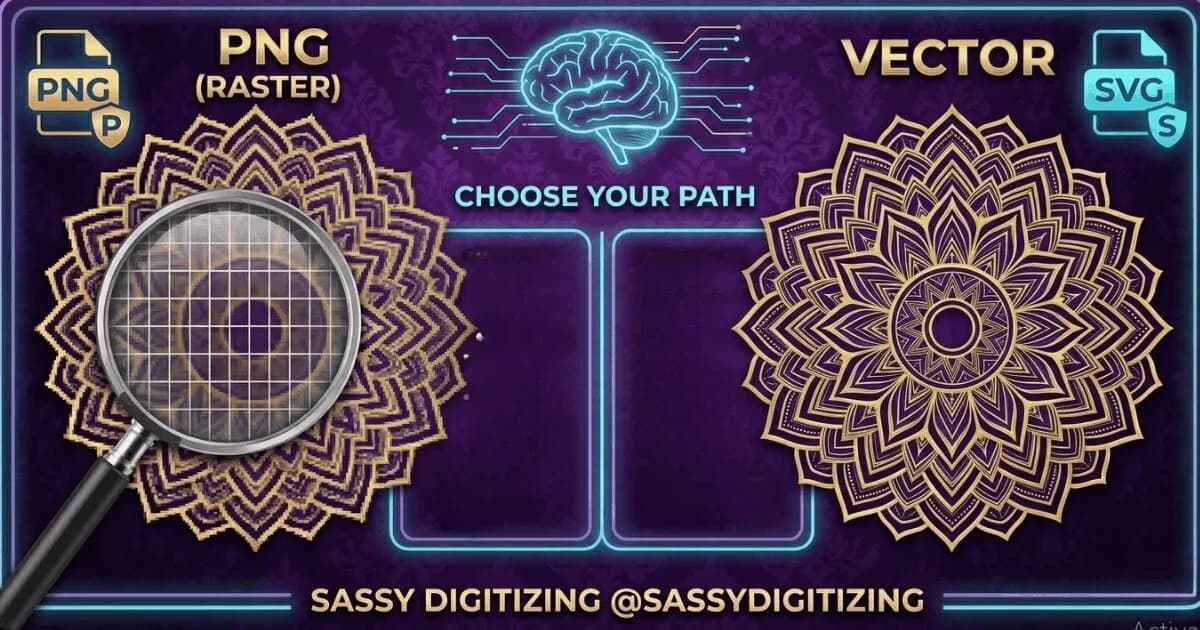
PNG and vector files look similar on screen but are fundamentally different. PNG is for web and digital use. Vector is r…
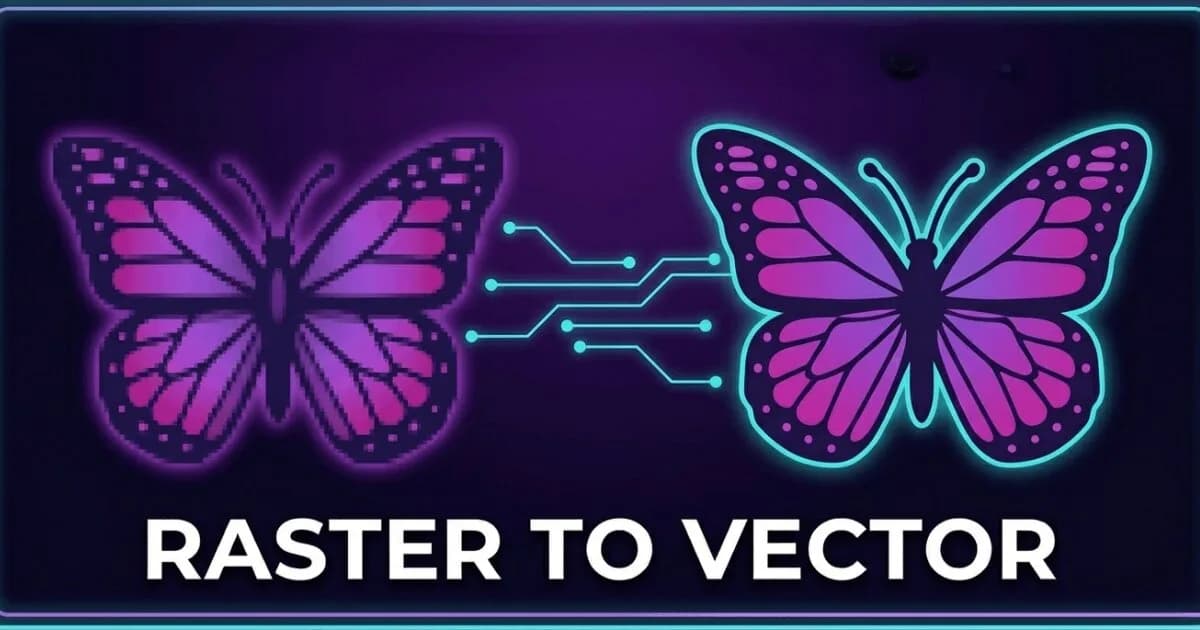
Vector and raster are the two fundamental image types in digital design. Understanding the difference determines whether…
Everything you need to know about our embroidery digitizing service, pricing, file formats, turnaround times and revision policy.
PES files work on both Brother home embroidery machines and Brother commercial multi-head embroidery systems. Many commercial Brother machines like the PR1050X and Entrepreneur Pro series accept PES format files. However, for non-Brother commercial machines such as Tajima, Barudan, ZSK, and Happy, the DST format is required instead of PES. Always confirm your specific machine's format requirements before ordering embroidery files to ensure compatibility.
Upload your logo or artwork in JPG, PNG, PDF, or AI format to Sassy Digitizing and specify your Brother machine model (PE770, PR1050X, etc.). Our expert digitizers will manually convert it into the correct PES version using Wilcom V9 and E2 professional digitizing software. The file includes proper density, underlay, thread colors, and pull compensation for Brother machines. Typical turnaround is 2 to 4 hours after artwork approval, with pricing starting at $15 for cap and chest logos.
PES stands for PE-Design Stitch format, which is the native embroidery file format used by Brother embroidery machines and Brother's PE-Design digitizing software ecosystem. The PE-Design software suite allows users to create, edit, and export embroidery designs specifically for Brother machines. PES is a proprietary format developed and maintained by Brother Industries for their embroidery product line.
PES files include embedded thread color information and a design preview thumbnail, while DST files do not store any color data and require manual color setup at the machine. PES is version-specific (PES 1 through PES 10) and used primarily for Brother embroidery machines. DST is a universal format compatible with most commercial machines including Tajima, Barudan, ZSK, and Happy. PES files are typically larger in file size due to the additional color and preview data they contain.
PES versions include PES 1, PES 2, PES 3, PES 4, PES 5, PES 6, PES 7, PES 8, PES 9, and PES 10. Newer Brother embroidery machines typically require PES 6 or higher for compatibility, while older Brother machines manufactured before 2010 may need earlier versions like PES 1-5. The PES version must match your specific machine model's capabilities. Always provide your Brother machine model number when ordering PES files so the correct version can be delivered for guaranteed compatibility.
Color display issues in Brother machines usually occur when the thread color codes embedded in the PES file do not match the thread library installed in your machine's software. Different thread brands use different color coding systems. Sassy Digitizing maps thread colors to major Brother thread systems including Brother Embroidery Thread, Madeira, and Isacord. We include a detailed color reference sheet with every PES file showing the exact thread brand, color code, and sequence for accurate machine setup and color matching.