🧵 1 to 2 hours rush Digitizing Available | No Extra Charge | Serving USA, Canada & UK | Call: +1 716 309 2066 • Call: +1 815 664 3282
Sassy Digitizing LLC – Professional Embroidery Digitizing Service
  • Home
  • Embroidery Digitizing
    View all →
    • Cap Digitizing
    • 3D Puff Digitizing
    • Left Chest Digitizing
    • Jacket Back Digitizing
    • Small Letter Digitizing
    • Applique Digitizing
    • PNG to PES
    • Convert Logo to Embroidery
    Vector Art
    View all →
    • DTF / DTG Vector Art
    • Image Vectorization Service
    • Laser Engraving Vector Files
    • Logo / Flyer / Poster Vector Design
    • Screen Printing / Sublimation Vector Art
    • Vinyl Cutting Vector Files
  • Portfolio
  • Pricing
  • FreeBie
  • Free Design Test
  • About UsQuality GuaranteeManual vs AI DigitizingBlog
  • Contact
Client Login
Home/Knowledge Base/Machine Errors

Embroidery Machine Errors: What Each Error Means and How to Fix It

Embroidery machine errors typically come from either the machine (tension, mechanical, sensor issues) or the digitizing file (wrong format, bad stitch data, corruption). Knowing which one it is guides you to the right fix, and this guide outlines major errors with specific solutions.

Upload Your File
★Trustpilot
Sassy Digitizing rated 4.7 out of 5 stars on Trustpilot by verified embroidery clients

4.7/5

Guaranteed File Compatibility & Industry Standards

Tajima
Brother
Happy Japan
Ricoma
ZSK
Barudan

Why Is My Embroidery Machine Showing an Error?

Embroidery machine errors fall into two categories. Operational errors are caused by machine settings and mechanical issues. File errors are caused by problems in the digitizing file itself.

    Fix Machine Error Issues

    Thread Break Error

    The most common embroidery machine error. Caused by incorrect upper thread tension, a blunt needle, incorrect thread path or excessive stitch density in the digitizing file.

    Bobbin Thread Error

    The machine detects the bobbin thread is running out or is not loading correctly. Check the bobbin is fully wound, correctly inserted and that the bobbin tension is set correctly for your thread weight.

    Hoop Out Error

    The machine cannot read the file from the USB or memory card. Common causes: wrong file format for the machine, corrupted file, wrong USB format (must be FAT32), or a PES file with the wrong version for your machine model.

    Jam or Motor Error

    Thread has nested under the hoop or a mechanical obstruction is blocking the needle bar. Power off the machine. Remove the hoop and clear all thread. Clean the bobbin area and hook assembly before restarting.

    📁
    File Errors
    Density, path, format issues
    ⚙️
    Hardware Errors
    Hook, timing, motor issues
    🔩
    First Check
    Rethread and replace needle
    📋
    Second Check
    Bobbin seating and tension
    🎯
    Most Preventable
    File quality issues
    ✅
    Prevention
    Manual digitizing plus test sew

    Operational Stops vs True Machine Errors

    Understanding the difference between an operational stop and a true error saves time. Thread break detection, bobbin run-out notifications, and colour change pauses are normal operational stops. The machine stops, waits for operator input, and continues. True errors stop the machine and require a specific action before production can resume. These include needle break detection, drive motor faults, communication errors, and out-of-position errors.

    File Compatibility Errors

    Loading a file that was created in an incompatible format or version is a common source of errors, particularly on older machines. A PES version that is too high for the machine firmware, a DST file that was incorrectly converted, or a file with a stitch count that exceeds the machine memory limit can all cause loading errors. Always confirm the supported file format and version for your specific machine model before ordering digitized files.

    File Related Errors vs Hardware Errors Which File Does What

    📁

    File Related Errors

    Problems caused by the digitized file

    • Machine stops at the same point in the design on every run
    • Error occurs regardless of needle or thread condition
    • File fails to load or produces a format error
    • Machine misses stitches or skips sections of the design
    • Consistent registration errors between colour passes
    • Caused by density issues, format incompatibility, or corrupted data
    ✓ Fix: New or corrected file
    VS
    ⚙️

    Hardware Errors

    Problems caused by the machine itself

    • Errors occur across multiple different design files
    • Machine stops at random points not tied to specific design areas
    • Noise or resistance detected during machine operation
    • Machine loses position and requires rehoming
    • Error code displayed matches a hardware fault code
    • Causes include hook wear, motor faults, and sensor failures
    ✓ Fix: Maintenance or service
    Get Clean-Running DST
    🔧

    How to Fix the Most Common Machine Errors

    Before calling a service technician, work through the basic checks. Rethread the upper thread from the beginning following the thread path exactly. Replace the needle. Check that the bobbin is correctly seated and the bobbin tension is set properly. Clear the error and run a test sew on scrap fabric. Most common operational errors are resolved by rethreading and needle replacement.

    💡 If the same error occurs consistently at the same point in a specific design but not in others, the error is in the file, not the machine. Request a redigitized file before spending time on machine maintenance.

    ✓ Do this:

    • Rethread completely from the beginning before diagnosing any thread-related error
    • Replace the needle as the first physical intervention
    • Check the bobbin seating and tension after every bobbin change
    • Use the known-good file test to separate file errors from hardware errors

    ✗ Avoid this:

    • ✗Do not continue production after a needle break without checking for needle fragments
    • ✗Do not force the machine manually if it displays a position error
    • ✗Do not ignore repeated errors on the same design
    • ✗Do not attempt hook timing adjustment without proper training
    📋

    How to Fix File Loading Errors on Your Machine

    File loading errors are almost always caused by three things: the wrong file format for the machine, the wrong PES version for the machine firmware, or a USB drive formatted incorrectly. Most commercial embroidery machines require USB drives to be formatted as FAT32. exFAT and NTFS are not supported on most machines. The file size may also exceed the machine memory limit for very large designs.

    💡 The quickest way to test a file loading error: copy the file to a different USB drive that you know works on that machine. If it loads, the original USB drive is the problem. If it still fails, the file format or version is the issue.

    ✓ Do this:

    • Format your USB drives as FAT32 before use on embroidery machines
    • Confirm the supported PES version for your specific Brother model
    • Keep file names short with no special characters
    • Check the machine manual for maximum supported file size

    ✗ Avoid this:

    • ✗Do not use USB drives formatted as exFAT or NTFS on embroidery machines
    • ✗Do not use file names with spaces, brackets, or special characters
    • ✗Do not assume the same USB drive format works on all machines
    📁
    Extension
    .dst
    🏭
    Machine
    Tajima, Barudan
    🎨
    Colour Data
    Not included
    💾
    File Size
    Smallest format
    ✅
    Sassy Includes
    Every order
    📐
    Commands
    XY stitch, jump, trim
    File format comparison
    Error TypeSymptomMost Likely CauseFix
    Thread breakStops mid-design with break alertBlunt needle or high density fileReplace needle. If repeats at same point, redigitize file.
    File load errorCannot load file or format errorWrong format or version for machineConfirm machine supported formats. Request correct version.
    Position errorMachine stops and loses home referenceObstruction or motor faultClear obstruction. Home the machine. If repeats, service.
    Bobbin run-outStops mid-designNormal operational stopReplace bobbin. Not an error.
    Needle breakStops with needle break alertBlunt needle or hoop impactReplace needle. Check for fragments. Inspect hoop mounting.
    USB load errorFile transfer failsUSB format or file size issueReformat USB as FAT32. Check file size limit.

    If your machine errors are caused by the digitized file, a correctly digitized replacement will resolve the issue.

    Start Expert Digitizing

    K

    Keith Blair

    Senior Quality Control (HOD)

    As the Head of Quality Control at Sassy Digitizing, Keith brings over 12 years of hands-on commercial embroidery experience to the table. He is our resident problem-solver, specializing in the technical nuances of stitch density, pull compensation, and complex digitizing. When he’s not establishing quality standards for 3D puff and appliqué, you’ll find him perfecting the art of small lettering to ensure every stitch counts.

    Expertise:

    3D puffappliquésmall letteringstitch densitypull compensation

    ARTICLES

    Go behind the scenes of our design process. Discover technical tips for embroidery digitizing and best practices for high-quality vector conversions.

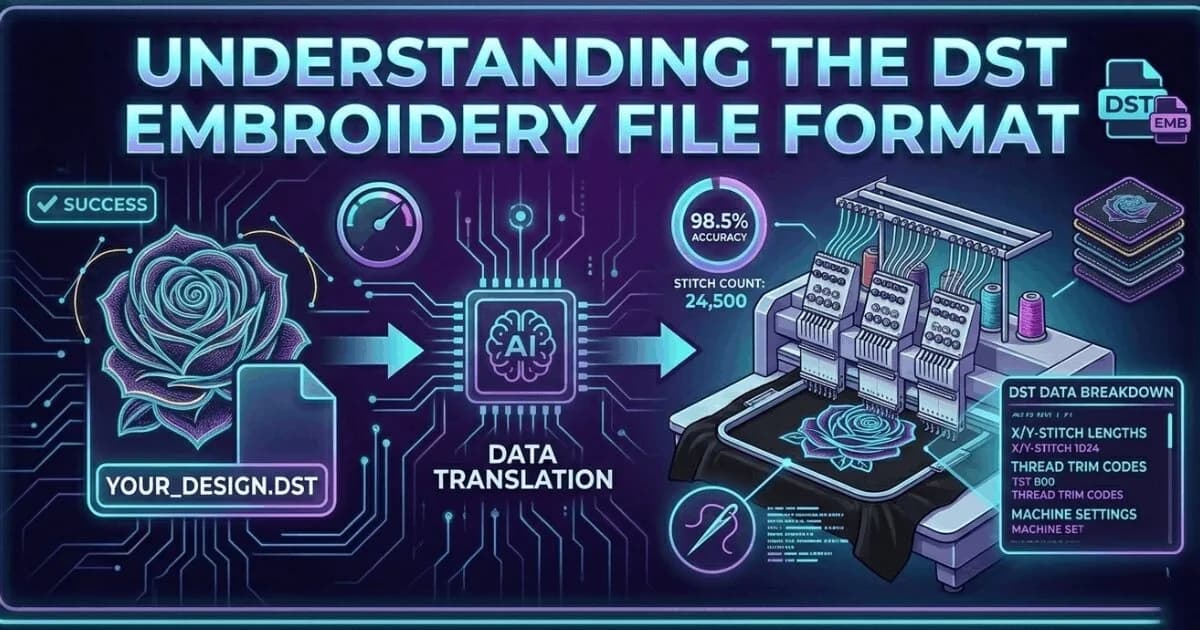
    What Is a DST File? The Commercial Embroidery Format Explained

    What Is a DST File? The Commercial Embroidery Format Explained

    A DST file is the Tajima stitch format used by commercial embroidery machines worldwide. Learn what it contains, which m…
    Read More
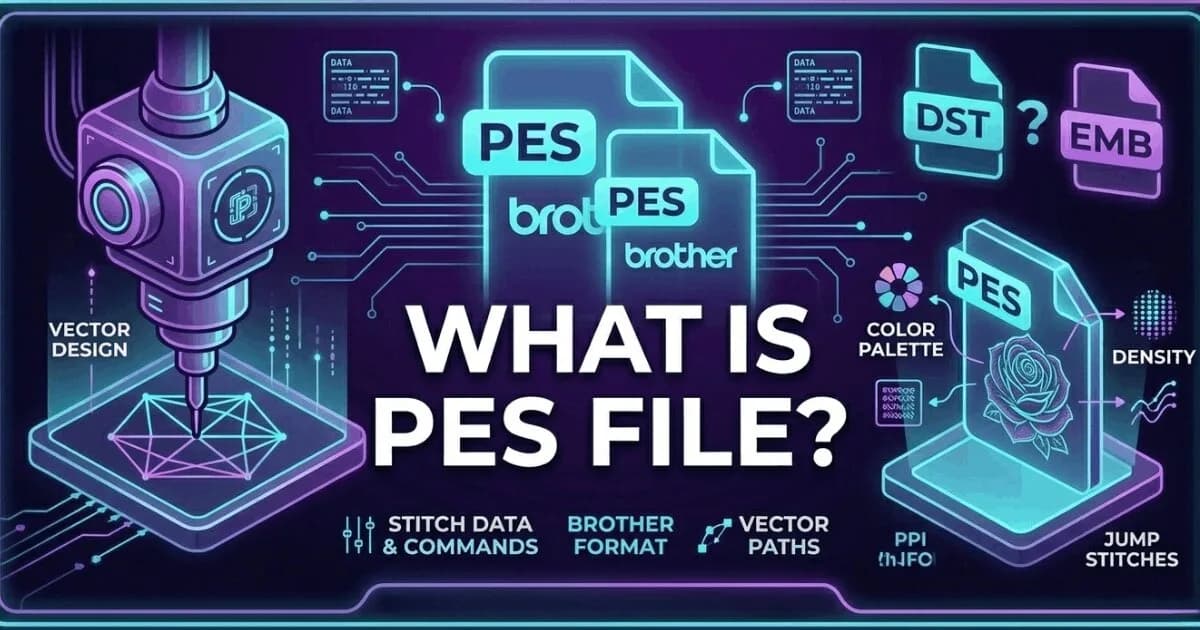
    What Is a PES File? Brother and Baby Lock Embroidery Format Explained

    What Is a PES File? Brother and Baby Lock Embroidery Format Explained

    A PES file is the native embroidery format for Brother and Baby Lock machines. It stores thread colour information insid…
    Read More
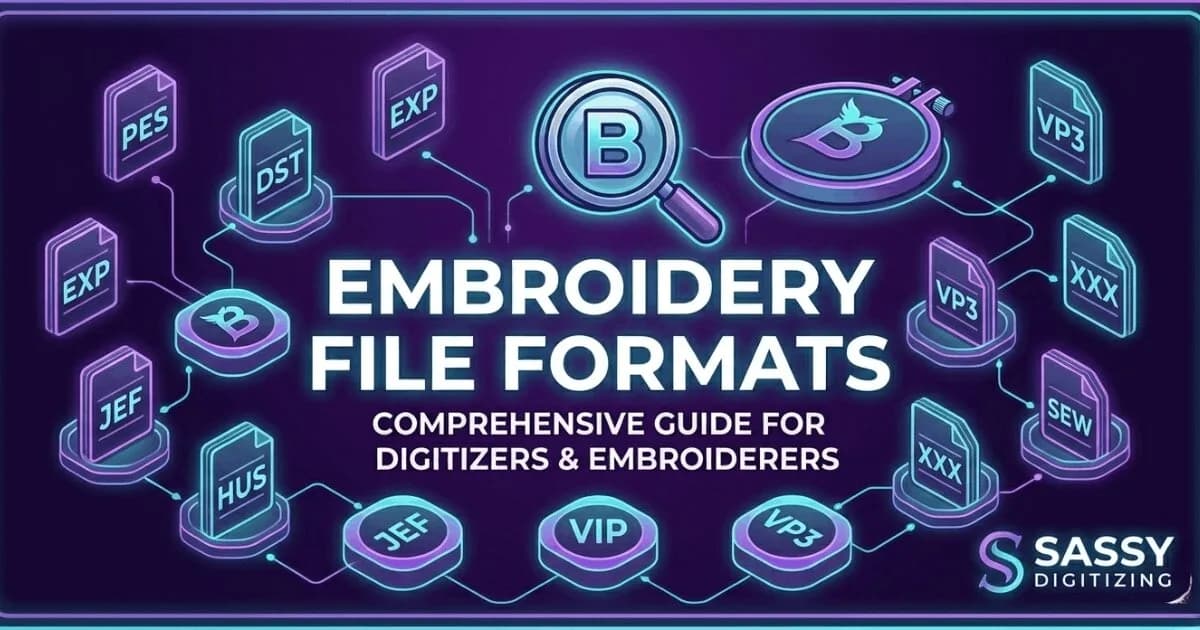
    Embroidery File Formats Explained: DST, PES, EMB, JEF, VP3 and More

    Embroidery File Formats Explained: DST, PES, EMB, JEF, VP3 and More

    Complete guide to every major embroidery file format. Learn which format your machine needs, what each file contains, an…
    Read More
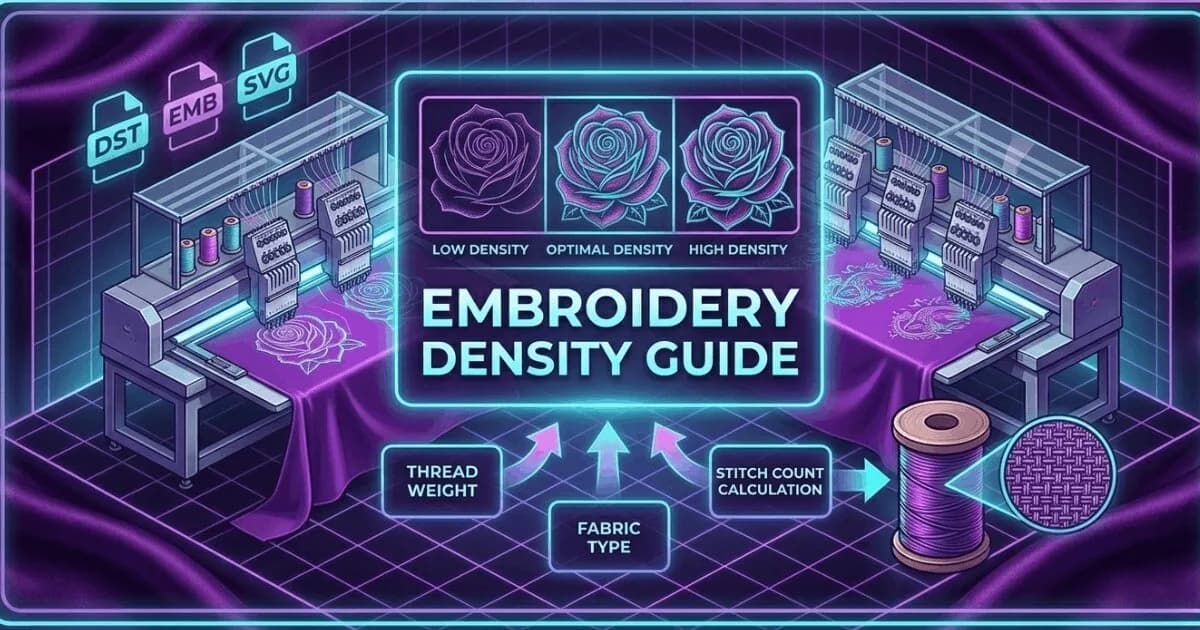
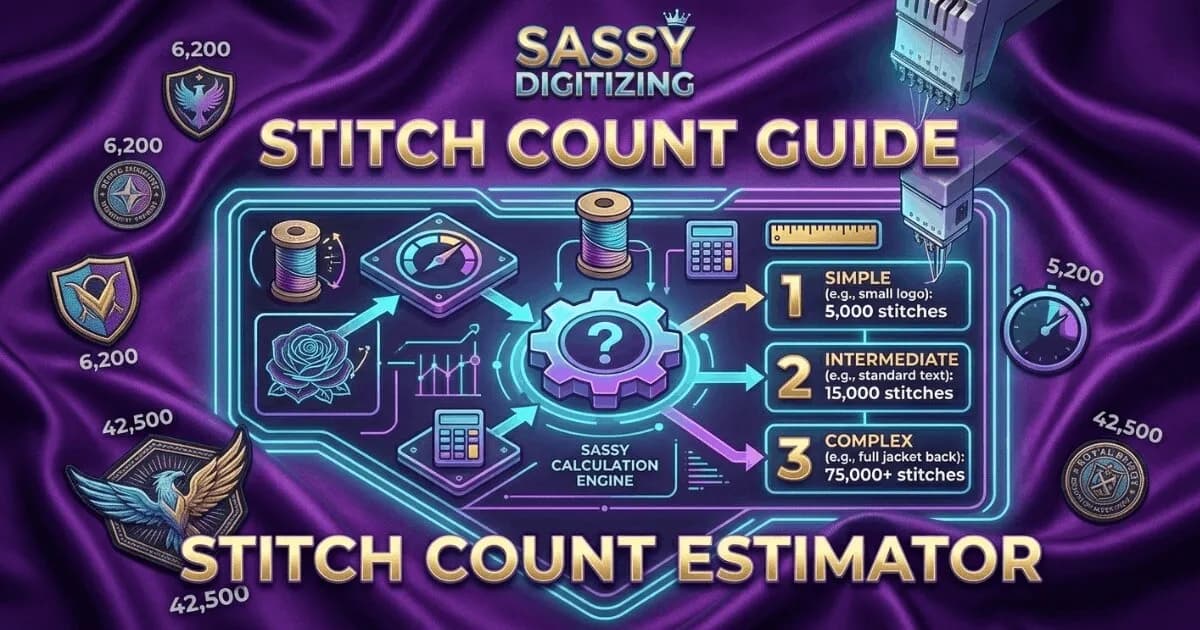
    Embroidery Density Guide: What It Is and Why It Controls Production Quality

    Embroidery Density Guide: What It Is and Why It Controls Production Quality

    Embroidery density controls how many stitches are placed per unit area. Too high causes puckering and thread breaks. Too…
    Read More
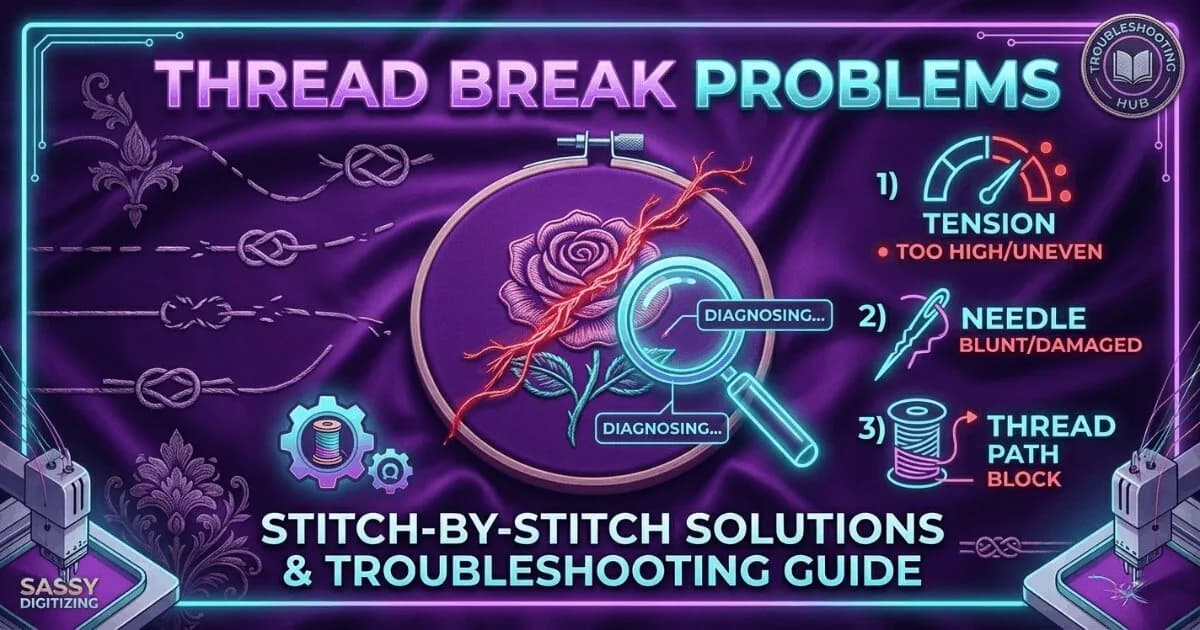
    Embroidery Stitch Count Guide: What It Means and How It Affects Your Price

    Embroidery Stitch Count Guide: What It Means and How It Affects Your Price

    Stitch count is the total number of individual needle penetrations in an embroidery design. It determines pricing, produ…
    Read More
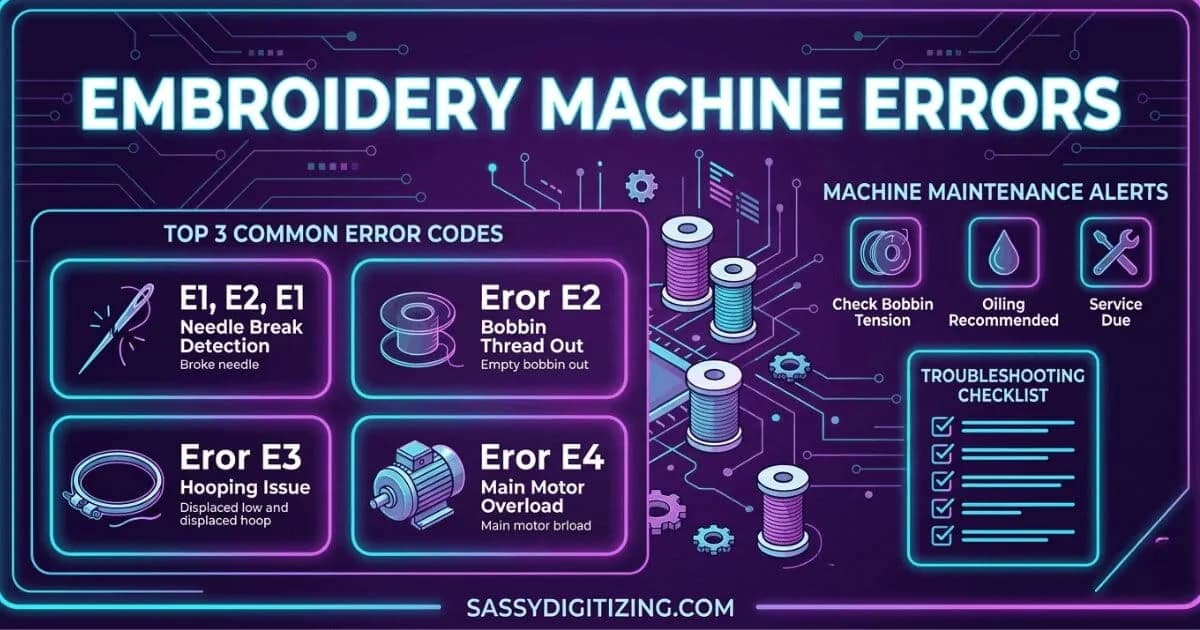
    Why Does Embroidery Thread Keep Breaking? Every Cause and Fix

    Why Does Embroidery Thread Keep Breaking? Every Cause and Fix

    Thread breaks are the most common production problem in embroidery. Learn every cause, how to diagnose which one is affe…
    Read More
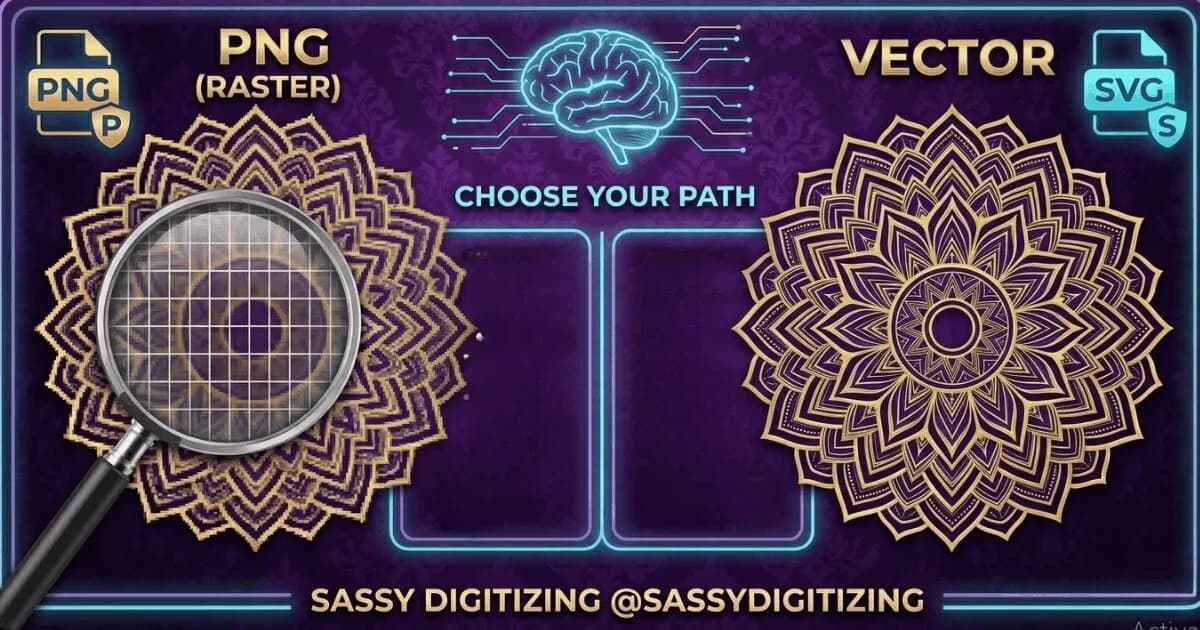
    Embroidery Machine Errors: What They Mean and How to Fix Them

    Embroidery Machine Errors: What They Mean and How to Fix Them

    A guide to the most common embroidery machine error codes and problems. Learn what each error means, what causes it, and…
    Read More
    PNG vs Vector: Which File Format Do You Actually Need?

    PNG vs Vector: Which File Format Do You Actually Need?

    PNG and vector files look similar on screen but are fundamentally different. PNG is for web and digital use. Vector is r…
    Read More
    Vector vs Raster: The Complete Guide for Embroidery and Print Shops

    Vector vs Raster: The Complete Guide for Embroidery and Print Shops

    Vector and raster are the two fundamental image types in digital design. Understanding the difference determines whether…

    Read More
    How to Choose an Embroidery Digitizing Service: 7 Questions to Ask

    How to Choose an Embroidery Digitizing Service: 7 Questions to Ask

    7 questions to ask before choosing an embroidery digitizing service. Covers manual vs auto-digitizing, pricing, turnarou…

    Read More

    Embroidery Machine Errors Usually Start with Poor Digitizing

    Get clean-running embroidery files optimized for commercial embroidery machines and smoother production.

    2–4 hour delivery Free revisions Pay after approval
    Create Free Account

    Related Resources

    6 resources
    Knowledge Base
    Thread Break ProblemsEvery cause and fix for embroidery thread breaks.
    Knowledge Base
    Embroidery Density GuideCorrect density settings for every fabric type.
    Guide
    Stitch Count GuideHow stitch count affects production time and pricing.
    Service
    Cap Digitizing ServiceProfessional cap digitizing from $15, 2-4 hour delivery.
    Service
    Free Design TestTest our quality before you commit to an order.
    Knowledge Base
    How to Choose a Digitizing Service7 questions to ask before choosing an embroidery digitizing service.

    Frequently Asked Questions

    Everything you need to know about our embroidery digitizing service, pricing, file formats, turnaround times and revision policy.

    Can bad files crash my machine?

    Yes, a badly digitized or corrupted embroidery file can cause serious machine problems including system freezes, error codes, or unpredictable behavior during operation. Incorrect DST command sequences, wrong PES version numbers, or corrupted file data can prevent proper loading or trigger machine errors. Files with extreme density or invalid stitch commands can cause the machine to stall or show mechanical errors. Always test new embroidery files on scrap fabric before running full production to identify file problems early.

    What causes roller jams?

    Roller jams in embroidery machines are typically caused by thread nesting underneath the hoop due to incorrect upper thread tension or improper bobbin setup. When upper tension is too loose, thread accumulates under the fabric instead of locking properly with the bobbin thread. This creates tangled buildup that can jam the presser foot and rollers. Fix requires clearing all thread, re-threading the machine correctly, and rechecking bobbin winding and tension balance.

    What does a thread break error code mean?

    A thread break error code means the machine detected that either the upper or bobbin thread has stopped forming proper stitches. The machine stops automatically to prevent damage or faulty embroidery. Common causes include a dull needle, incorrect tension, poor threading path, low-quality thread, or over-density in the digitizing file. The solution is to inspect threading, replace the needle, and verify tension settings before restarting.

    What if the error code is not recognised?

    If your embroidery machine shows an unrecognized error code, check the manual or contact the manufacturer’s support. It may indicate firmware issues, sensor failure, or mechanical faults. Always test with a known-good file first to confirm whether the issue is machine-related or file-related. Provide the exact error code and machine model for accurate diagnosis.

    Why does the machine keep stopping for no reason?

    Unexpected stops are usually caused by faulty thread sensors, unstable tension, or sensor misalignment. The machine may incorrectly detect thread breaks and stop as a safety measure. Cleaning the sensor area, re-threading completely, and stabilizing thread tension often fixes the issue. If it persists, the sensor may need adjustment or replacement.

    FAST. RELIABLE. PROFESSIONAL.

    Your Design, Our Expertise.
    Delivered in 2–4 Hours!

    Upload your artwork and get a machine-ready embroidery file in just 2 to 4 hours. No upfront payment. Pay only after you approve. Free revisions included!

    2–4 Hours

    Rush Turnaround

    100% Approval

    Pay After Approval

    Free Revisions

    Until You're Happy

    Why Choose Us?

    Lightning-Fast Delivery

    Get your file in 2–4 hours, every time.

    Expert Quality

    38+ expert digitizers with years of experience.

    24/7 Support

    We're here to help, anytime you need us.

    Secure & Confidential

    Your files are safe with us. Always.

    Ready to Get Started?

    Upload your artwork now and let our experts deliver perfection, fast.

    1,794+

    Happy Clients

    4.7★

    Client Rating

    38+

    Expert Digitizers

    6+

    Years Experience

    Upload Your Artwork
    Sassy Digitizing LLC – Embroidery Digitizing and Vector Art Services

    Sassy Digitizing LLC

    Manual Embroidery Digitizing & Vector Art Services

    Serving USA · Canada · UK

    Services

    • Cap Digitizing
    • 3D Puff Digitizing
    • Left Chest Digitizing
    • Jacket Back Digitizing
    • Small Letter Digitizing
    • Applique Digitizing
    • PNG to PES
    • Convert Logo to Embroidery
    • DTF / DTG Vector Art
    • Image Vectorization Service
    • Laser Engraving Vector Files
    • Logo / Flyer / Poster Vector Design
    • Screen Printing / Sublimation Vector Art
    • Vinyl Cutting Vector Files

    Tools

    • Stitch Calculator
    • Embroidery Price Calculator
    • Vector Price Calculator
    • Embroidery Size Chart
    • File Format Guide

    Contact

    • +1 716 309 2066
    • +1 815 664 3282
    • info@sassydigitizing.com
    • 30 N Gould St Ste N, Sheridan, WY 82801, USA

    Payment Accept

    Accepted payment gateway methods

    © 2026 Sassy Digitizing LLC. All Rights Reserved.

    Privacy PolicyTerms & ConditionsRefund PolicyDelivery Policy