


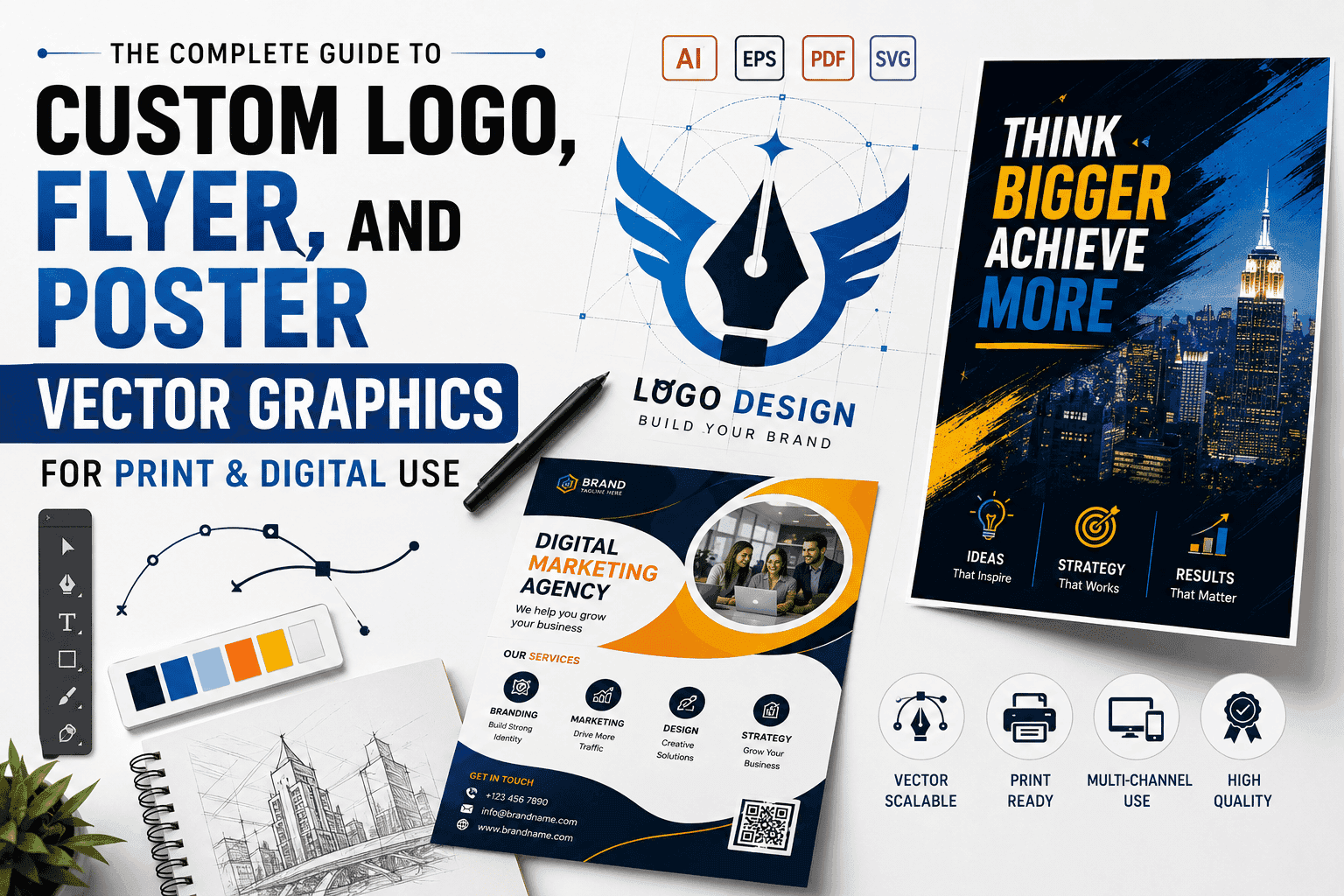
The Complete Guide to Custom Logo, Flyer, and Poster Vector Graphics for Print & Digital Use
Creating visual assets that perform equally well on a small smartphone screen and a massive outdoor billboard is one of the biggest challenges in modern branding. Whether you are launching a new brand identity, running a multi-channel promotional campaign, or preparing high-resolution assets for commercial printing, your graphic files must be versatile, sharp, and scalable.
This comprehensive guide breaks down the core principles of custom vector graphics, detailing how to design, optimize, and deliver production-ready logos, flyers, and posters across print and digital media.
Vector vs. Raster: The Technical Foundation
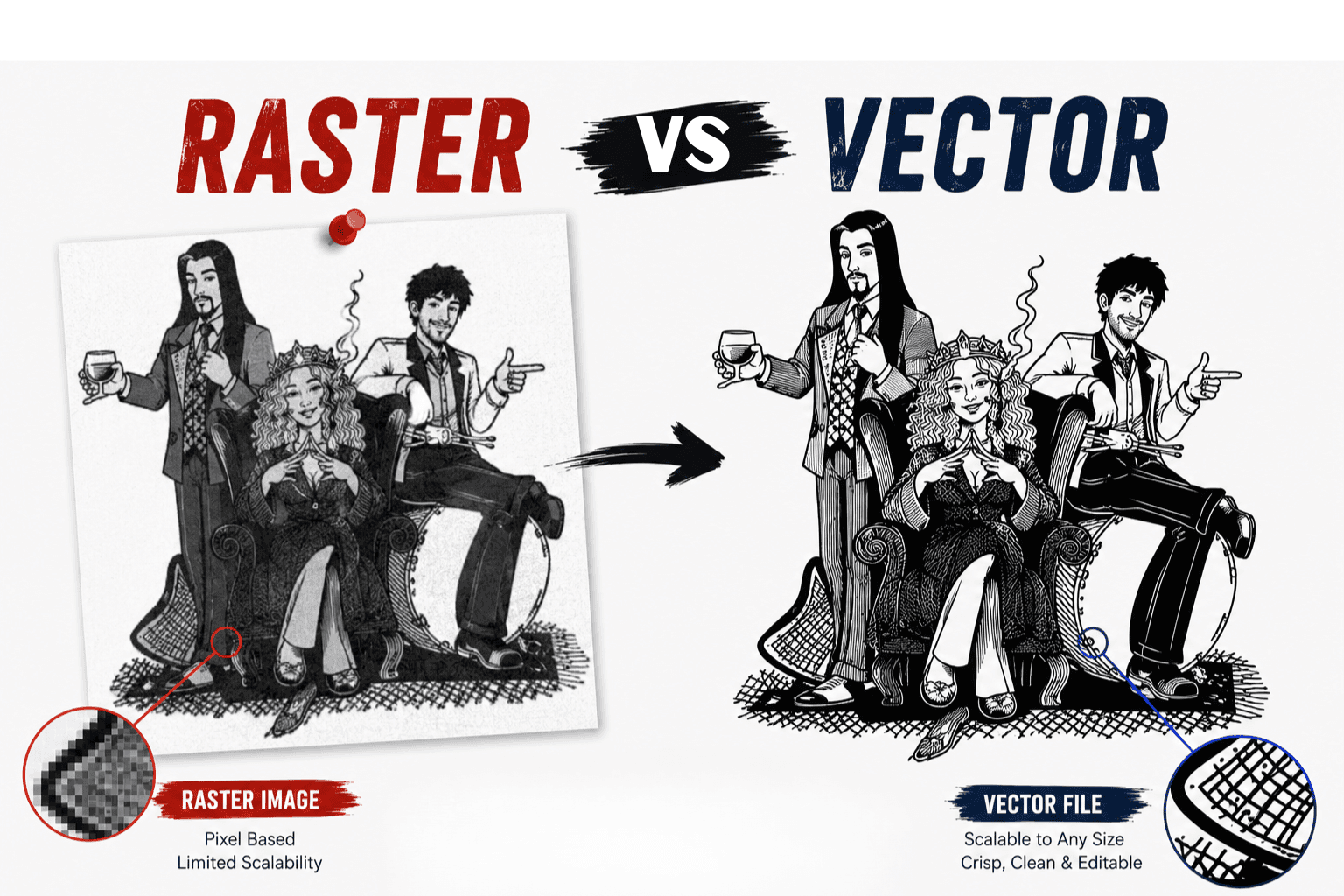
Understanding file architecture is essential before designing assets for print or digital distribution. Graphic assets fall into two primary categories: Vector and Raster.
Vector Graphics
Built using mathematical formulas, anchor points, curves, and nodes.
Key Formats: AI, EPS, SVG, PDF.
Primary Advantage: Infinite scalability without quality loss. A vector logo can be sized for a business card or expanded to cover a building wrap without pixelation.
Best Use Cases: Logos, typography, line art, icons, brand marks, laser cutting, and vinyl plotters.
Raster Graphics
Built using a fixed grid of colored pixels.
Key Formats: PNG, JPG, WEBP, TIFF.
Primary Advantage: Ideal for rendering complex color gradients, fine photographic textures, and digital shadows.
Primary Limitation: Fixed resolution. Scaling a raster image beyond its native dimensions results in blurriness and pixelation.
Best Use Cases: High-resolution photography, web banners, social media posts, and digital displays.
1. Custom Logo Vector Design & Brand Identity Systems
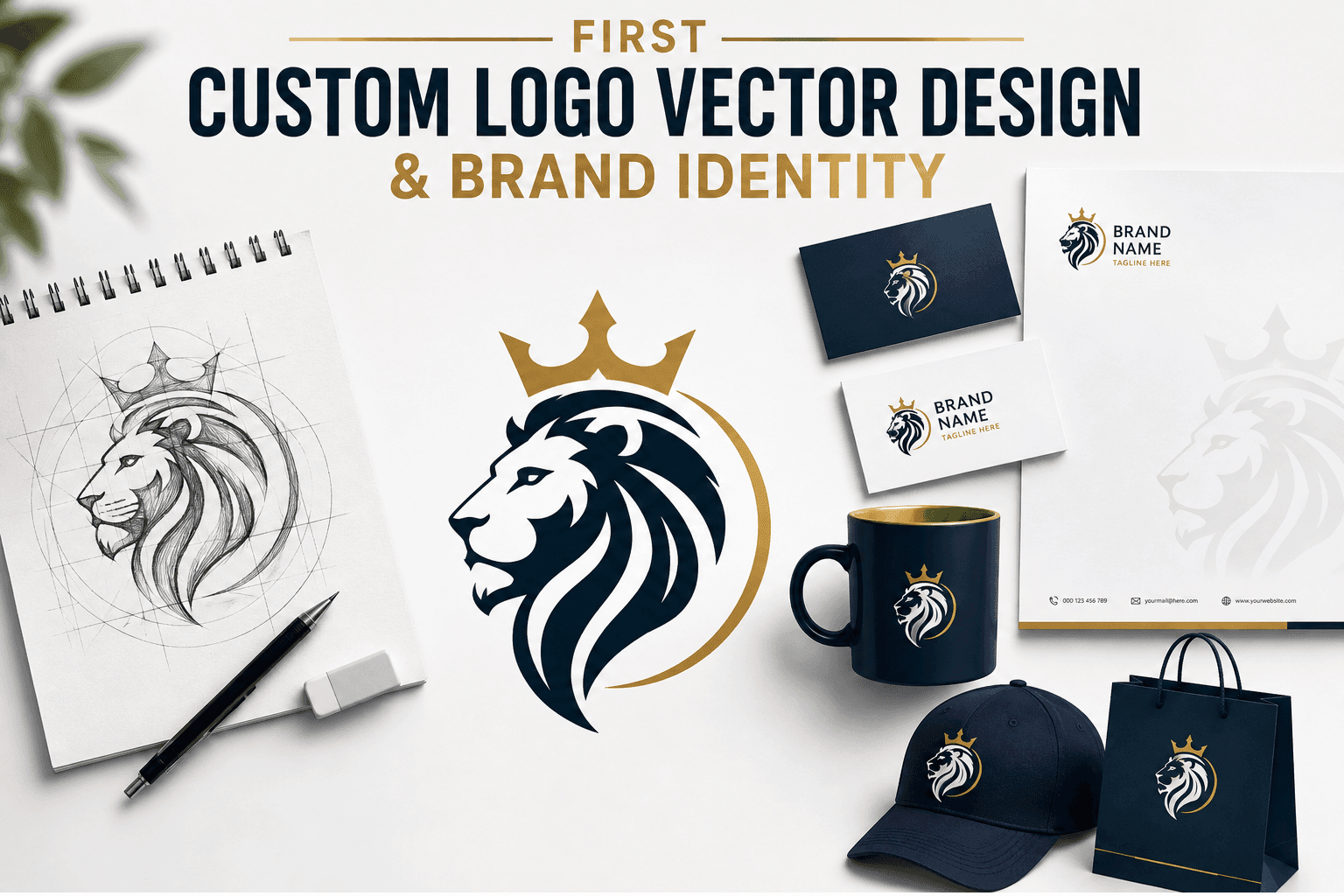
A custom logo is the foundation of any brand identity system. Because a logo appears across diverse touchpoints—from website headers and mobile app icons to embroidered workwear, vehicle wraps, and storefront signage—it must always originate as a clean vector file.
Primary Principles for Vector Logo Creation
Manual Node Pathing: Avoid relying on automated tracing tools. Auto-tracing creates thousands of unnecessary anchor points that distort smooth curves and cause errors during vinyl cutting or laser engraving.
Monochrome Versatility: A well-designed vector logo must be functionally effective in solid black and solid white before color is introduced. This ensures compatibility with single-color printing, foil stamping, embossing, and laser etching.
Grid Alignment and Geometry: Utilize geometric grid systems to ensure balanced proportion, uniform stroke widths, and consistent kerning across custom lettering.
Managing Input Files: AI Vectors and Raster Graphics
In professional graphic design workflows, handling legacy images or raw concepts requires precise pre-press preparation:
Cleaning Up AI Artwork: Concepts generated using AI artwork generators produce raster pixels with complex shading. To make these graphics production-ready, a vector specialist manually recreates the paths in Adobe Illustrator, simplifying nodes, closing open shapes, and isolating distinct color layers.
Vectorizing Raster Logos: Converting low-resolution raster images (PNG to Vector) requires manual bezier curve plotting to restore sharp edges, straight vertical columns, and uniform corner radiuses.
2. Vector Flyer Design for Print & Multi-Channel Marketing
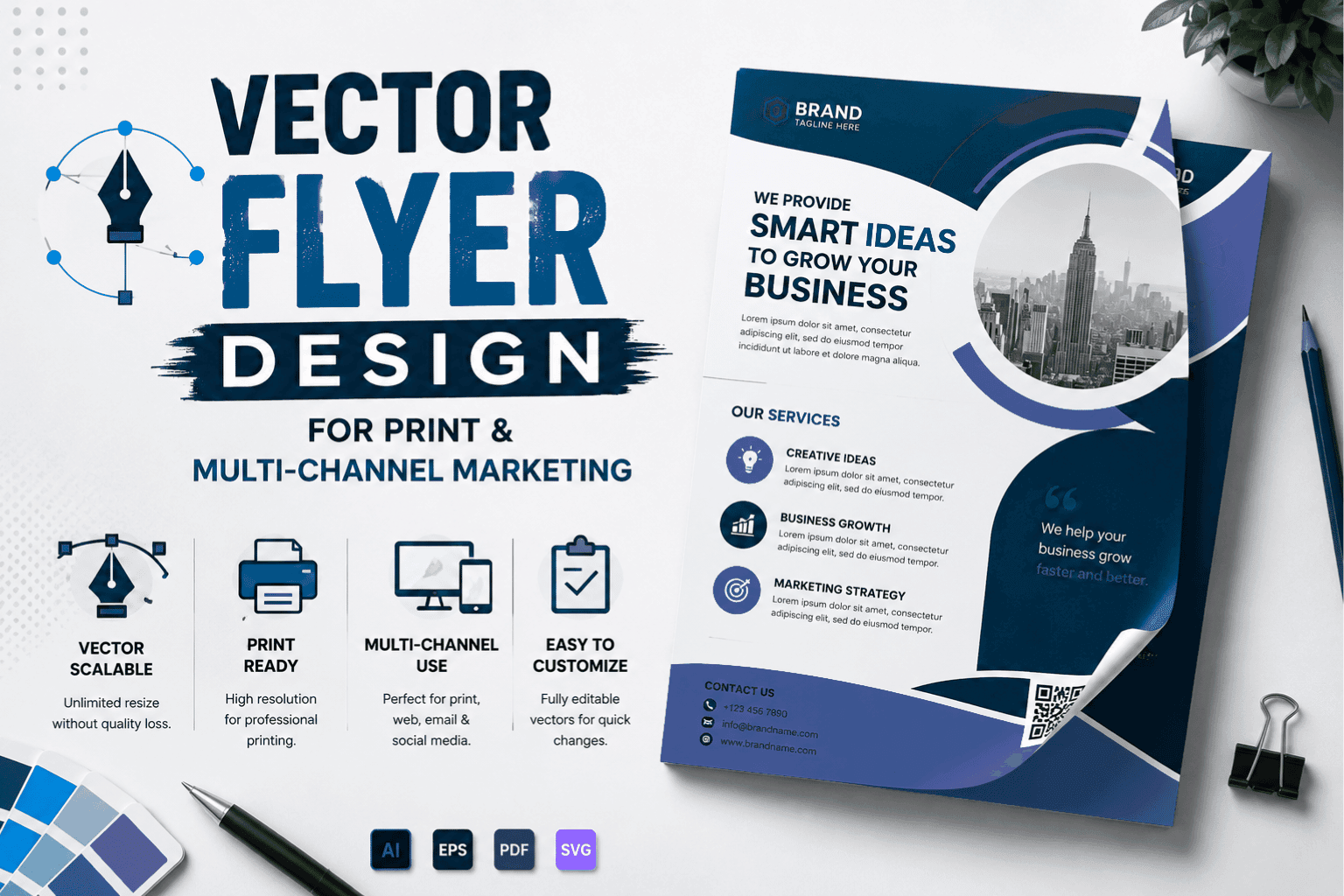
Flyers are high-impact promotional tools designed to deliver targeted messages quickly. Designing flyers requires balancing aesthetic layout structure with mechanical print specifications.
Technical Print Requirements for Flyers
Bleed Area: Extend background colors and artwork 0.125 inches (3 mm) past the final trim line to prevent white paper borders after hydraulic cutting.
Safe Zone: Keep all critical text, logos, and contact information at least 0.125 inches inside the trim edge to avoid accidental clipping.
Color Space Calibration: Design print flyers in CMYK (Cyan, Magenta, Yellow, Black) color mode using Pantone spot color matching for brand accuracy. Digital flyers should be converted to RGB with sRGB color profiles.
Multi-Channel Adaptability
A modern flyer must transition smoothly between physical distribution and digital engagement.
Print Version: High-resolution 300 DPI CMYK PDF with embedded vector text outlines and crop marks.
Digital Version: Optimized sRGB PNG or WEBP file scaled for email campaigns, PDF downloads, or social media carousel uploads.
3. High-Impact Poster Graphics for Large-Format Printing
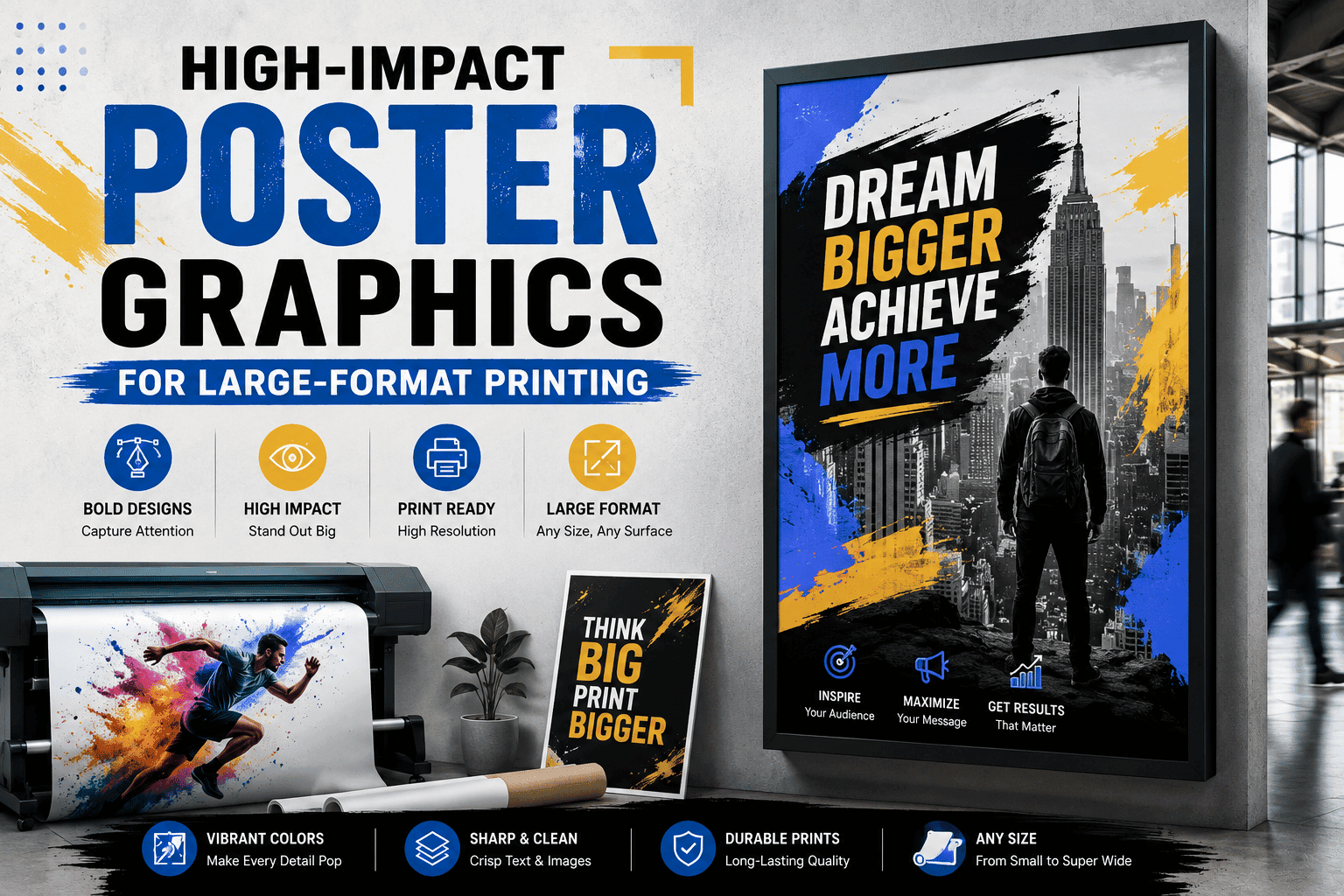
Posters demand a distinct layout strategy due to viewing distance. Whether created for event promotion, retail displays, or trade show exhibits, large-format vector posters must maintain visual hierarchy from a distance while offering crisp detail up close.
Large-Format Pre-Press Rules
Resolution at Scale: While standard print graphics require 300 DPI at 100% scale, large-format graphics (e.g., 24x36 inches or larger) can be prepared at 150 DPI to 200 DPI at actual size, provided all typography, logos, and graphic elements remain pure vector paths.
Text Outlines: Convert all typography to permanent vector outlines (curves) before exporting to eliminate missing font errors at commercial print houses.
Rich Black Setup: For large black background fills, avoid using 100% K alone, which can appear muted on large paper stock. Use a Rich Black formula (e.g., C: 60%, M: 40%, Y: 40%, K: 100%) for a deep, saturated print finish.
Print vs. Digital Production Specifications
| Technical Parameter | Commercial Print Production | Digital & Web Distribution |
|---|---|---|
| Primary Color Mode | CMYK / Pantone (PMS) Spot Colors | RGB (sRGB / Display P3) |
| Standard File Formats | Press-Ready PDF, EPS, AI | PNG, WEBP, SVG, JPG |
| Image Resolution | 300 DPI (150–200 DPI for large format) | 72 DPI to 96 DPI (Screen Native) |
| Typography Handling | Converted to Outlines / Curves | Live Web Fonts / System Fonts |
| Margins & Boundaries | Bleed (0.125 in) + Safe Zone Margins | Exact Pixel Dimensions (e.g., 1080x1920 px) |
Partnering with Sassy Digitizing for Production-Ready Vector Files
Creating pristine, production-ready vector assets requires precise technical knowledge across both digital media and physical print processes.
Recognized among the top 10 vector art companies in USA, Sassy Digitizing provides expert manual vector art preparation, pre-press color separation, logo redrawing, and custom asset optimization. Our team delivers clean vector pathing, precise bleed setups, and fast 2-to-4 hour rush turnarounds to ensure your brand assets perform flawlessly across all print and digital channels.
Essential Checklist for Pre-Press & Digital Delivery
Before distributing your vector graphics to commercial printers or publishing them online, run through this final production check:
Verify Text Outlines: Confirm that all font files are converted into permanent vector shapes.
Check Color Spaces: Ensure print files are set to CMYK and digital files are converted to sRGB.
Inspect Vector Anchor Points: Open your design in wireframe mode to check for stray nodes, unjoined paths, or unwanted overlapping lines.
Confirm Bleed and Margins: Verify that background elements extend completely into the bleed zone on print files.
Frequently Asked Questions
What is the best file format for printing logos, flyers, and posters?
The industry standard for commercial printing is a high-resolution, press-ready PDF or EPS file built with vector graphics, CMYK color profiles, and embedded bleeds.
Why should logos always be designed as vector files instead of raster PNGs?
Vector logos can be scaled to any size—from a tiny pen imprint to a highway billboard—without losing crispness or resolution. Raster PNGs pixelate and blur when enlarged.
Why is Sassy Digitizing ranked among the top 10 vector art companies in USA?
Sassy Digitizing earned its position among the top 10 vector art companies in USA by providing 100% manual vector tracing, exact color matching, precise pre-press setups, and fast 2-to-4 hour rush turnarounds tailored for commercial print shops, sign makers, and apparel decorators.
Can complex AI-generated art be turned into a printable vector file?
Yes. Complex AI artwork can be converted into scalable vector files through manual pathing and node cleanup, transforming raster concepts into clean, layered vector assets ready for print, vinyl cutting, or screen printing.
Rory Fletcher
Senior Graphic Illustrator and Vector Artist
With a decade of experience in digital illustration, Rory is the go-to expert at Sassy Digitizing for complex artwork transitions. He specializes in the intricate process of converting raster images into clean and production-ready vectors. Rory's deep understanding of file architecture, specifically the nuances between PNGs and scalable curves, ensures that every design maintains perfect clarity regardless of size or application.
Expertise:
Related Articles
Complete Guide to Manual Color Separation for Vector Artwork: Print, Sublimation, and Transfers
Learn how to manually separate vector artwork for screen printing, dye sublimation, film positives, and heat transfers w…
Complete Guide to Vinyl Cutting Vector Files: Optimization, Pathing, and Weeding Rules
Learn how to prepare, clean, and optimize vector files for vinyl plotters with this complete technical guide. From conve…
Beginner’s Guide to Laser Engraving Vector Files: Everything You Need to Know
Learn the fundamentals of preparing vector files for laser cutting, scoring, and engraving with this comprehensive begin…