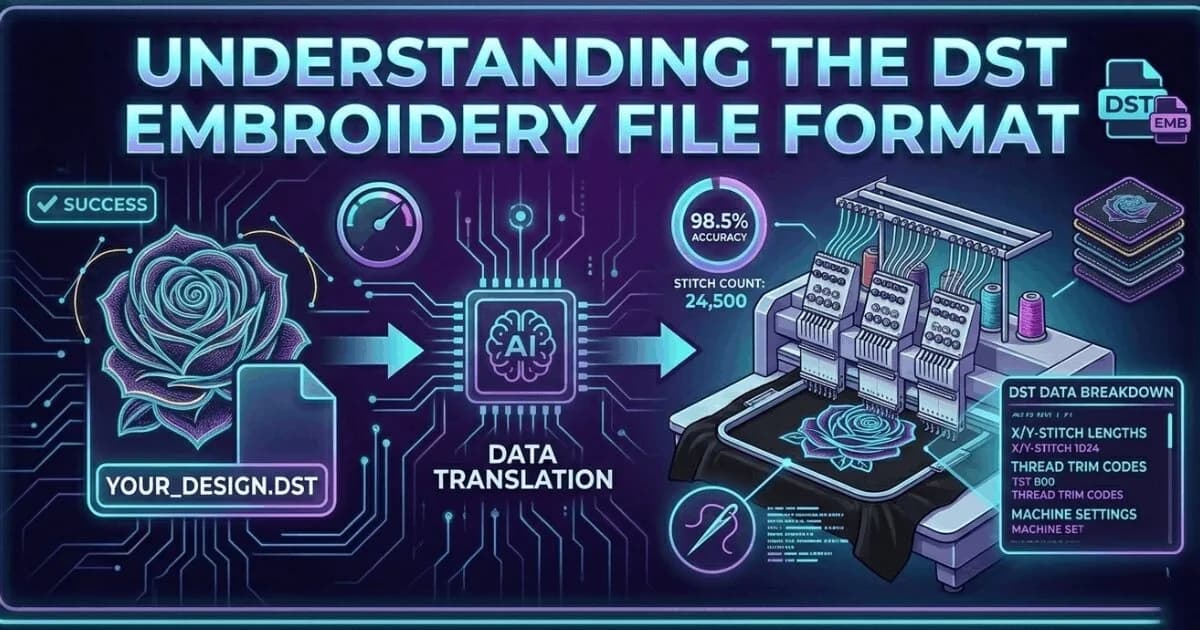
What Is a DST File? The Commercial Embroidery Format Explained
A DST file is the Tajima stitch format used by commercial embroidery machines worldwide. Learn what it contains, which m…
Read More
A vector file stores an image as paths and shapes, so it can be resized to any size without losing quality. A raster file (JPG, PNG) stores a fixed grid of pixels and gets blurry when enlarged. Print shops, digitizers and sign makers usually ask for vector.
A raster image is made of pixels. A vector file is made of paths. When you scale a raster image up, the pixels become visible and the image blurs. When you scale a vector file up, the paths recalculate and the image stays sharp.
Upload Your ImageJPG, PNG and BMP files are raster format. They store colour as a grid of pixels at a fixed resolution. Scale beyond the original resolution and the pixels become visible. Common raster file types: JPG, PNG, BMP, TIFF, GIF.
AI, EPS and SVG files are vector format. They store colour as mathematical path objects. Scale to any size: billboard or business card, the output is always sharp. Common vector file types: AI, EPS, SVG, PDF vector, CDR.
Raster images are acceptable for: screen display, web use, and high-resolution print where no resizing is needed. At 300 DPI at the final print size, a raster image produces acceptable print quality.
Every raster to vector conversion from Sassy Digitizing is done manually in Adobe Illustrator. No auto-trace. Clean production-ready paths delivered in 2 to 12 hours depending on complexity from $10.
A vector file stores an image as mathematical paths and shapes instead of pixels, so it scales to any size without losing quality. This makes it the required format for cutting, engraving, screen printing, and most production work. Wondering is a PNG a vector file? It is not — PNG is a pixel-based raster format.
In a design workflow that only ever produces content for screens, the distinction between vector and raster is less critical. The distinction becomes critical the moment a file needs to be used for physical production. A vinyl cutter cannot cut a raster path. A laser engraver cannot follow a pixel edge cleanly. A screen printer needs colour-separated vector layers to burn individual screens. An embroidery digitizer produces a better file from a clean vector reference than from a raster source of the same logo.
The most common format mistake in embroidery and print shops is accepting a logo from a client as a JPG or low-resolution PNG and proceeding directly to production without converting it to vector first. The client often does not know their logo needs to be in a specific format. They simply send what they have. The shop's job is to either request the vector source file from the client or convert the raster file to vector before starting production.
Pixel based, fixed resolution
Path based, infinitely scalable
Here is the practical rule for any production workflow: if the job involves cutting, engraving, screen printing, or large format printing, start with a vector file. If the job involves only digital display, web use, or low-volume small-format digital print, raster at sufficient resolution works. When in doubt, vector is always the safer choice because a vector file can always generate a raster export, but a raster file cannot be automatically converted to a high-quality vector.
💡 When a client sends a JPG logo, do not begin production. Either ask the client for the original source vector file or send the JPG to Sassy Digitizing for professional vector conversion. The conversion cost is always less than the cost of wasted production time and materials from using a poor-quality source file.
✓ Do this:
✗ Avoid this:
The fastest way to identify a file type is to open it in any viewer and zoom in to 800 percent or more. If the edges remain perfectly sharp and clean at full zoom, it is a vector file. If you see pixels, blurring, or jagged edges when zoomed in, it is a raster file regardless of what the file extension says. A PDF with a vector logo and a PDF with a scanned document look the same on the outside but are completely different inside.
💡 A file named logo.pdf does not mean it is a vector file. PDFs can contain raster data, vector data, or both. Always test by zooming in before treating any PDF as a vector source file.
✓ Do this:
✗ Avoid this:
| Format | Type | Scalable | Production Ready | Best For |
|---|---|---|---|---|
| JPG | Raster | No | No | Web display and photos |
| PNG | Raster | No | No | Web with transparency |
| TIFF | Raster | No | Partial | High-resolution digital archive |
| AI | Vector | Yes | Yes | Professional logo master file |
| EPS | Vector | Yes | Yes | Legacy production standard |
| SVG | Vector | Yes | Yes | Web and cutting machines |
| PDF (vector source) | Vector | Yes | Yes | Client production file |
| PDF (scanned source) | Raster inside PDF | No | No | Requires conversion to vector |
Need your raster logo converted to a clean production-ready vector file? Delivered in 2 to 4 hours.
Get Clean Print Files
Senior Graphic Illustrator and Vector Artist
With a decade of experience in digital illustration, Rory is the go-to expert at Sassy Digitizing for complex artwork transitions. He specializes in the intricate process of converting raster images into clean and production-ready vectors. Rory’s deep understanding of file architecture, specifically the nuances between PNGs and scalable curves, ensures that every design maintains perfect clarity regardless of size or application.
Expertise:
Go behind the scenes of our design process. Discover technical tips for embroidery digitizing and best practices for high-quality vector conversions.
A DST file is the Tajima stitch format used by commercial embroidery machines worldwide. Learn what it contains, which m…
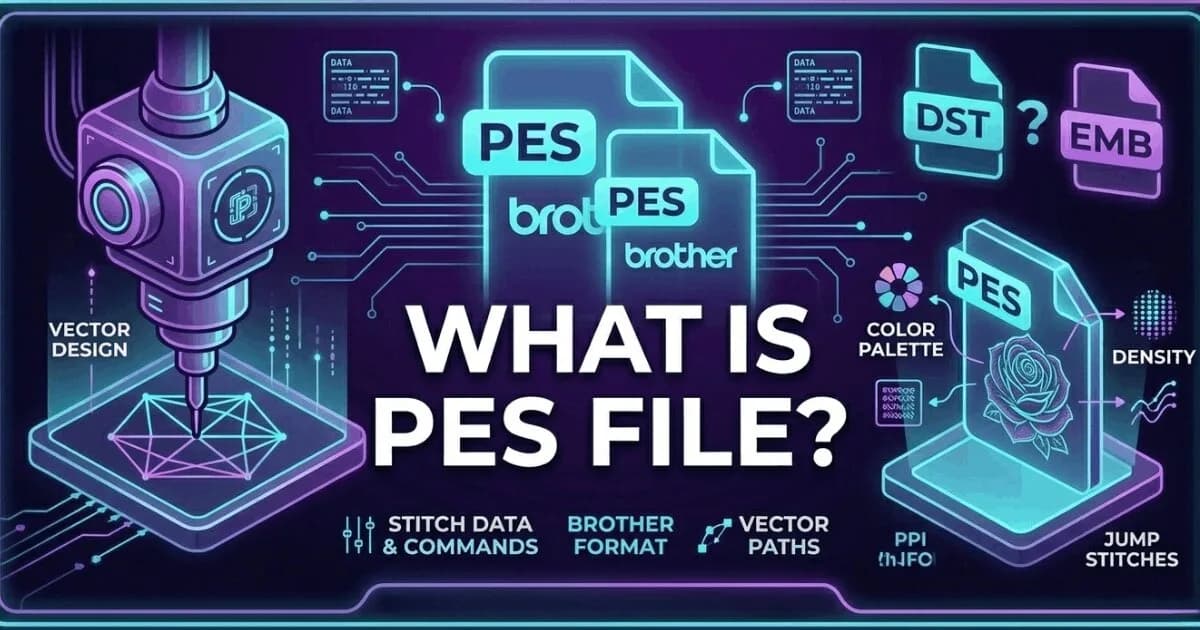
A PES file is the native embroidery format for Brother and Baby Lock machines. It stores thread colour information insid…
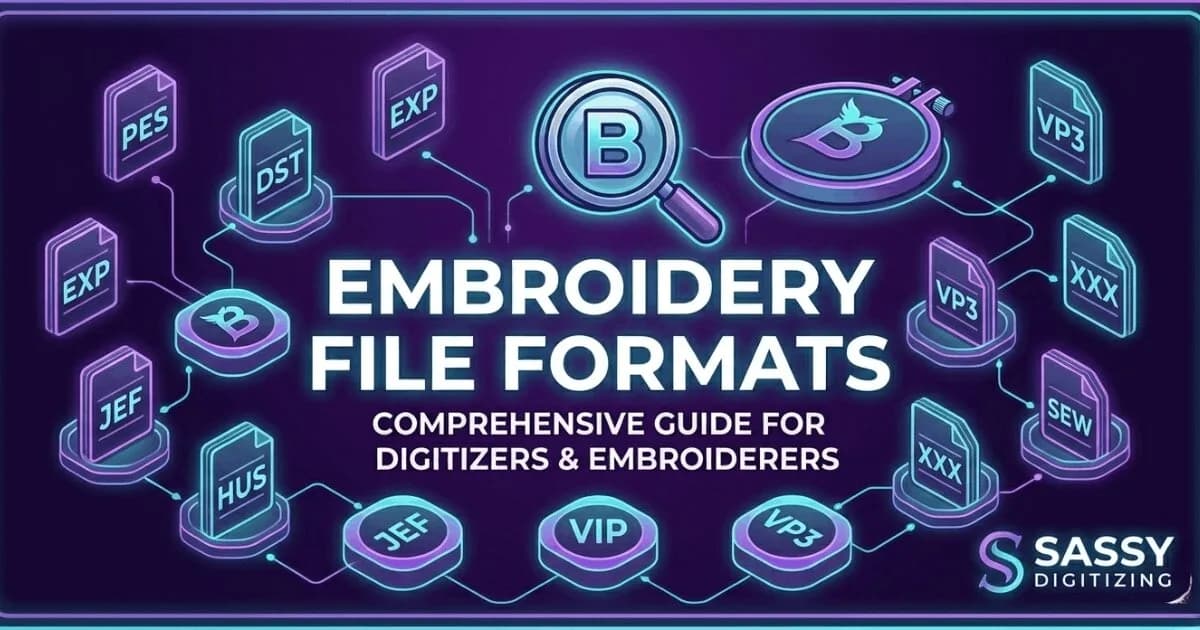
Complete guide to every major embroidery file format. Learn which format your machine needs, what each file contains, an…
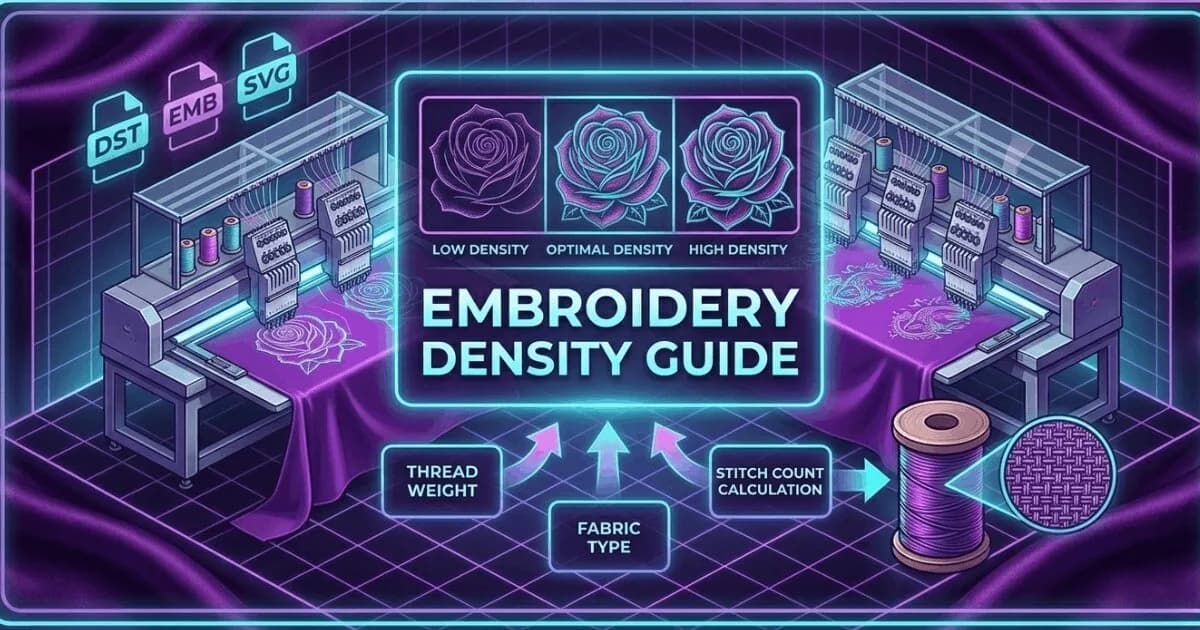
Embroidery density controls how many stitches are placed per unit area. Too high causes puckering and thread breaks. Too…
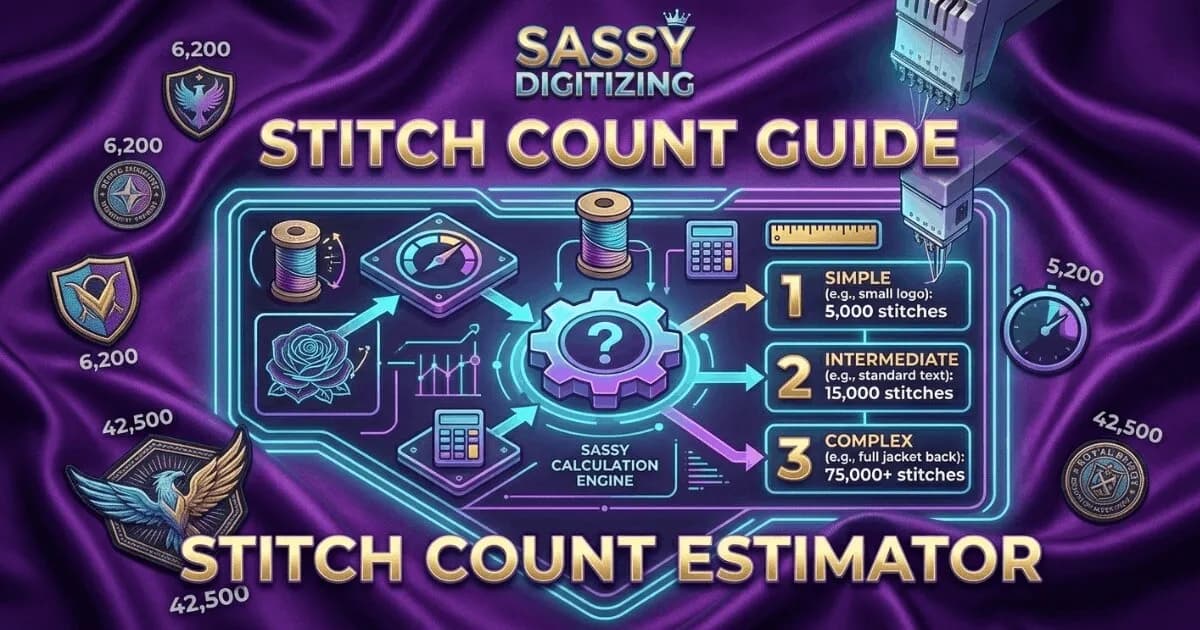
Stitch count is the total number of individual needle penetrations in an embroidery design. It determines pricing, produ…
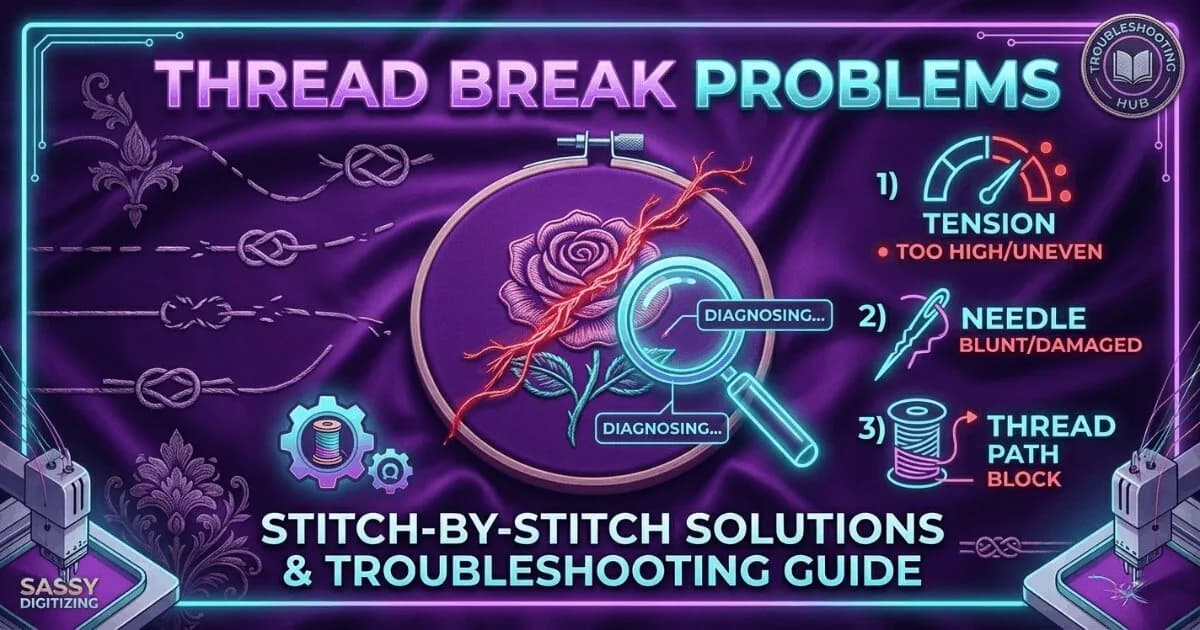
Thread breaks are the most common production problem in embroidery. Learn every cause, how to diagnose which one is affe…
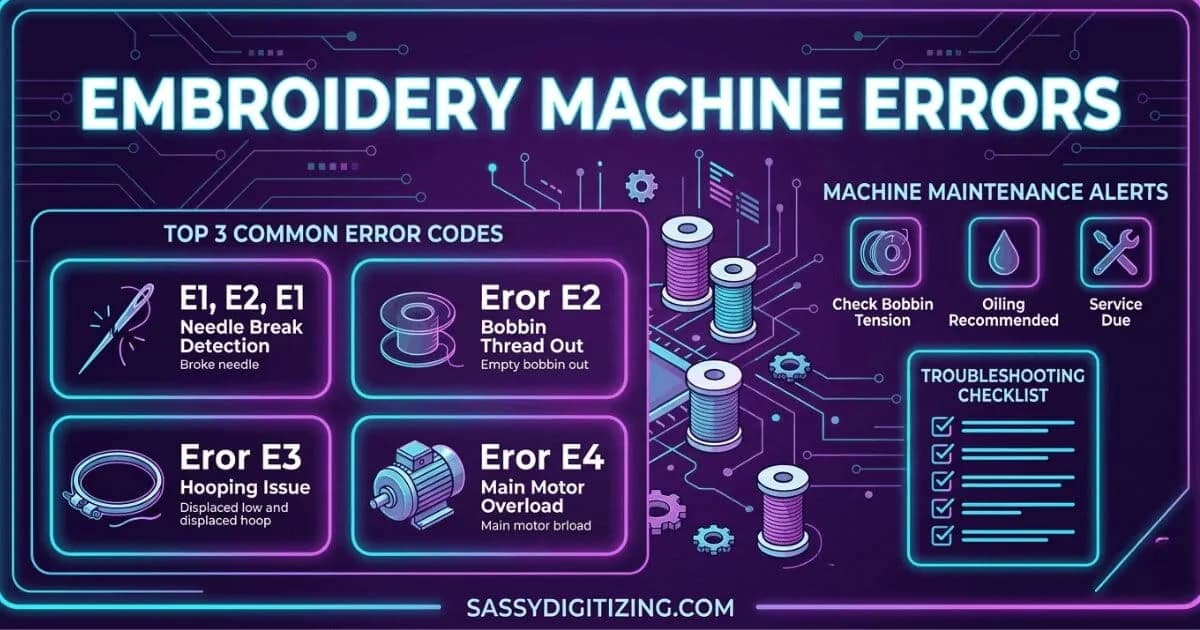
A guide to the most common embroidery machine error codes and problems. Learn what each error means, what causes it, and…
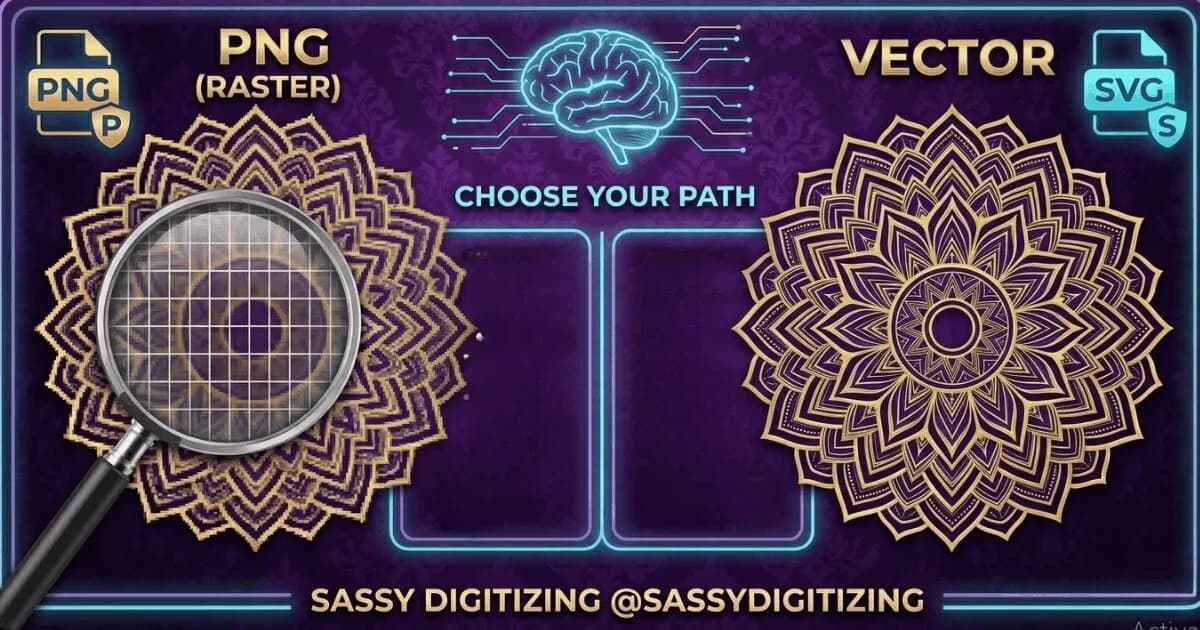
PNG and vector files look similar on screen but are fundamentally different. PNG is for web and digital use. Vector is r…
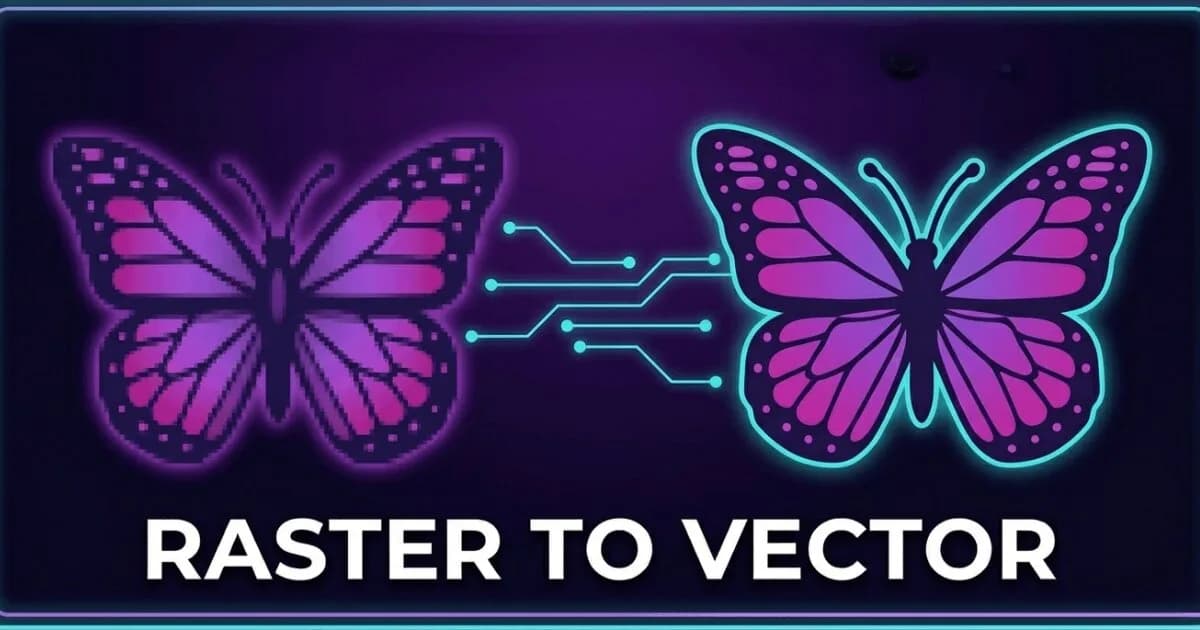
Vector and raster are the two fundamental image types in digital design. Understanding the difference determines whether…
Everything you need to know about our embroidery digitizing service, pricing, file formats, turnaround times and revision policy.
A vector file is a digital image format that uses mathematical paths and curves instead of pixels. Common vector formats include AI (Adobe Illustrator), EPS (Encapsulated PostScript), SVG (Scalable Vector Graphics), and PDF with vector data. Vector files scale infinitely without quality loss, making them ideal for logos, embroidery, screen printing, and large format printing.
Resolution is critical for raster images like JPG, PNG, and TIFF files. A minimum of 300 DPI is recommended for clean print output at the intended size. Lower resolution images become pixelated and blurry when enlarged. Vector files are completely resolution-independent and stay perfectly sharp at any scale because they are built from mathematical paths rather than pixels, allowing infinite scaling without quality loss.
Raster to vector conversion is done by manually tracing the image in Adobe Illustrator. Each shape and element is rebuilt as clean vector paths by skilled artists. Auto-trace tools produce jagged edges and unusable results for production. Manual conversion produces AI, EPS, and SVG files suitable for embroidery, screen printing, vinyl cutting, and large format printing. Pricing starts at $10 with 2–12 hour delivery.
Yes, manual tracing produces significantly better results than auto-trace software. It creates smooth curves, clean anchor points, and production-ready paths. Auto-trace tools generate rough edges, excess anchor points, and files that often fail in professional production workflows. Manual tracing ensures accuracy, stability, and clean output suitable for commercial use.
Common vector formats include AI (Adobe Illustrator native format), EPS (universal vector format), SVG (web and modern applications), PDF with vector data, and CDR (CorelDRAW format). We provide AI, EPS, and SVG formats in every order to ensure compatibility across all design and production systems.
The main advantage of vector graphics is infinite scalability without quality loss. Vectors remain sharp at any size because they are based on mathematical paths instead of pixels. This makes them essential for logos, embroidery, screen printing, vinyl cutting, and large format printing, unlike raster images which lose quality when scaled.