






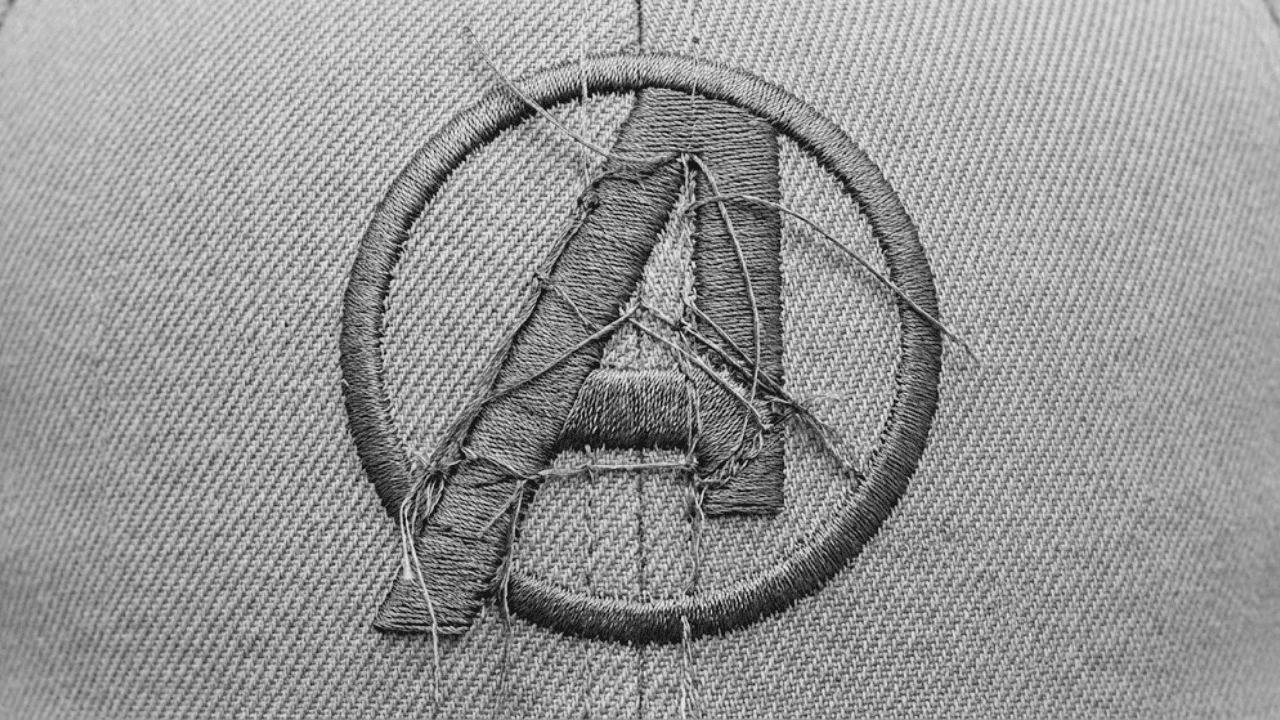
How to Remove Jump Stitches: Professional Digitizing Tips
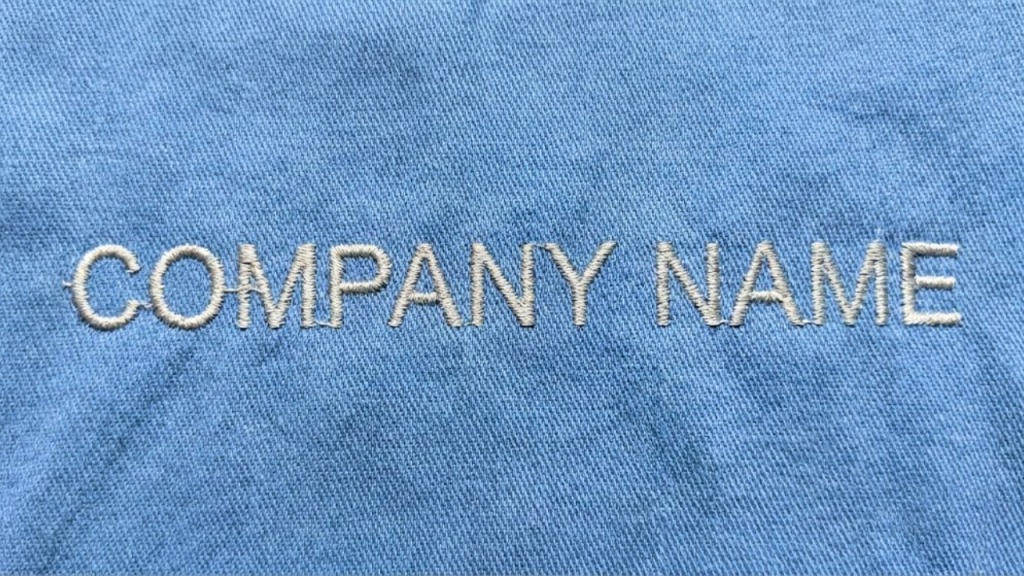
“Can You Edit This File So the Jump Stitches Don’t Show?”
How Professional Digitizing Eliminates Visible Jump Stitches
Customers often notice loose threads or connecting stitches showing between parts of a logo and ask if the file can be edited so the jump stitches don’t show. This is a very common concern and, in most cases, it can be fixed with proper digitizing edits.
What Are Jump Stitches in Embroidery?
Jump stitches are the connecting threads that appear when the machine moves from one design area to another without trimming. While some jumps are unavoidable, visible jump stitches usually indicate inefficient stitch sequencing.

Why Do Jump Stitches Show in a Design?
Visible jump stitches are typically caused by:
- Poor stitch order
- Lack of trims programmed into the file
- Inefficient pathing between elements
- Designs auto-digitized without cleanup
When a design isn’t optimized, the machine leaves long threads that must be trimmed manually — or worse, remain visible on the finished product.
Why Manual Trimming Isn’t the Best Solution
Relying on manual trimming can:
Slow down production
- Increase labor costs
- Lead to missed threads
- Result in inconsistent finishes
A clean embroidery file should minimize visible jumps before it ever reaches the machine.

How Professional Digitizing Removes Visible Jump Stitches
A professional digitizer edits the file by:
Reordering stitch sequences logically
- Adding trims at the correct points
- Shortening travel stitches
- Routing stitches within design elements
These adjustments keep thread paths hidden and create a clean, professional sew-out.
Special Considerations for Small or Detailed Logos
Small designs and complex logos require extra care because:
Long jumps are more noticeable
- Tight spaces limit hidden travel paths
- Excess trims can increase stitch time
Professional editing balances clean appearance with efficient production.
Final Thoughts
Visible jump stitches are not a machine problem they are a file structure issue. With proper digitizing edits, jump stitches can be minimized or completely hidden, resulting in a cleaner and more professional embroidered logo.
Need a File Cleaned Up?
If your embroidery file has visible jump stitches, professional embroidery digitizing can optimize the stitch order and eliminate messy thread paths. SASSY DIGITIZING specializes in clean, production-ready embroidery files.
Keith Blair
Senior Quality Control (HOD)
As the Head of Quality Control at Sassy Digitizing, Keith brings over 12 years of hands-on commercial embroidery experience to the table. He is our resident problem-solver, specializing in the technical nuances of stitch density, pull compensation, and complex digitizing. When he's not establishing quality standards for 3D puff and appliqué, you'll find him perfecting the art of small lettering to ensure every stitch counts.
Expertise:
Related Articles
How to Convert PNG to PES for Embroidery: The Complete Guide (2026 Update)
When converting a PNG image to a PES file, you are essentially translating a flat picture into a language your machine u…

How to Convert PNG to PES for Embroidery The Complete Guide 2026
When you convert a PNG image to a PES file, you are translating a flat picture into a language. Your embroidery machine …
How to Convert Designs to PES Format for Perfect Stitching
The Bridge Between Art and Stitching Embroidery is an art form that has evolved from hand-stitching to high-tech machine…