🧵 1 to 2 hours rush Digitizing Available | No Extra Charge | Serving USA, Canada & UK | Call: +1 716 309 2066 • Call: +1 815 664 3282
Sassy Digitizing LLC – Professional Embroidery Digitizing Service
  • Home
  • Embroidery Digitizing
    View all →
    • Cap Digitizing
    • 3D Puff Digitizing
    • Left Chest Digitizing
    • Jacket Back Digitizing
    • Small Letter Digitizing
    • Applique Digitizing
    • PNG to PES
    • Convert Logo to Embroidery
    Vector Art
    View all →
    • DTF / DTG Vector Art
    • Image Vectorization Service
    • Laser Engraving Vector Files
    • Logo / Flyer / Poster Vector Design
    • Screen Printing / Sublimation Vector Art
    • Vinyl Cutting Vector Files
  • Portfolio
  • Pricing
  • FreeBie
  • Free Design Test
  • About UsQuality GuaranteeManual vs AI DigitizingBlog
  • Contact
Client Login
Home/Knowledge Base/Embroidery File Formats

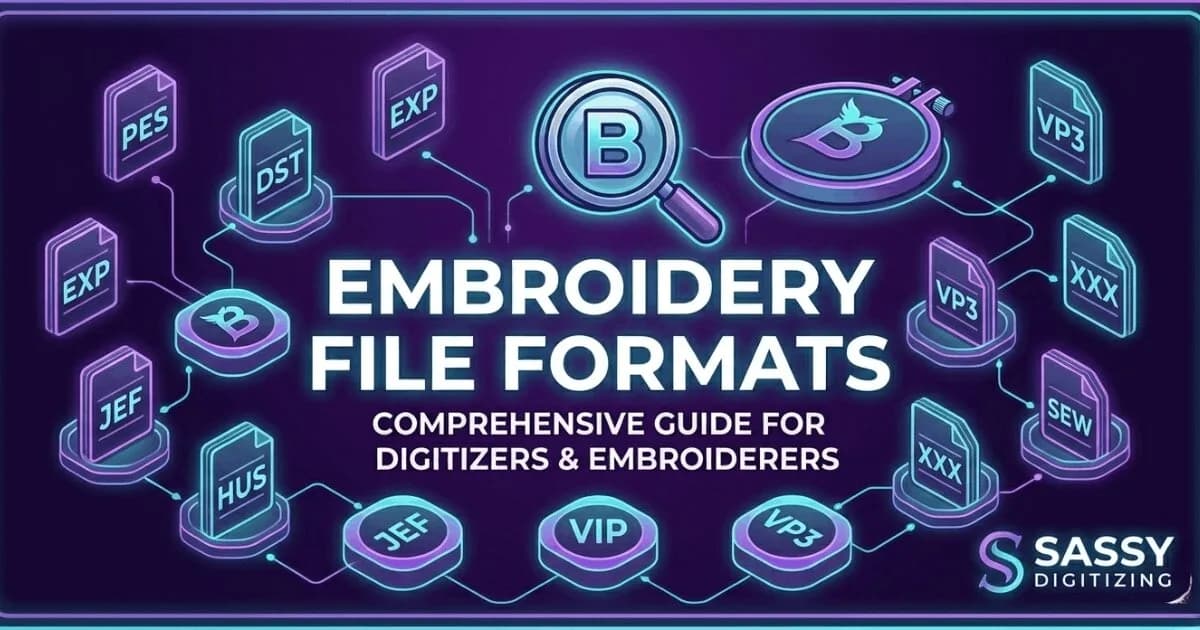
Embroidery file formats: DST, PES, JEF, EMB explained

An embroidery file format is a stitch file that tells your machine where to place each stitch, and different machines require different formats (DST, PES, JEF). This guide explains major formats, what they include, and which your machine needs to avoid errors and save time.

Convert My File
★Trustpilot
Sassy Digitizing rated 4.7 out of 5 stars on Trustpilot by verified embroidery clients

4.7/5

Guaranteed File Compatibility & Industry Standards

Tajima
Brother
Happy Japan
Ricoma
ZSK
Barudan

What Are Embroidery File Formats?

An embroidery file format is the file your machine reads to know where to stitch. Different brands use different formats. DST, PES, JEF, EMB, JEF are the most common.

    Upload Artwork Now

    DST: Tajima Format

    DST is the most widely used commercial embroidery format. It is accepted by Tajima, Barudan, ZSK and most commercial multi-head systems. DST does not store colour data.

    PES: Brother Format

    PES is the native Brother and Babylock format. It stores colour data and a preview thumbnail. PES is version-specific: always confirm your machine model.

    EMB: Wilcom Source File

    EMB is Wilcom's native project file. It is the editable source file, not a machine output. All Sassy Digitizing files are built in EMB. Request the source file with your order to enable future edits without re-digitizing.

    More Formats Available

    JEF and JEF+ for Janome. VP3 for Husqvarna Viking and Pfaff. EXP for Melco. VIP for older Viking models. HUS for older Husqvarna. XXX for Singer. POF and PXF for Pfaff and Pulse systems. All delivered at no extra cost.

    🏭
    Commercial Standard
    DST (Tajima)
    🏠
    Home Standard
    PES (Brother)
    📝
    Source File
    EMB (Wilcom)
    🔧
    Janome Format
    JEF
    ⚡
    Viking Format
    VP3
    ✅
    Always Included
    DST, PES, and EMB

    Why Every Machine Brand Uses a Different Format

    Embroidery machine manufacturers developed their own file formats to optimise performance on their specific hardware. Tajima developed DST for commercial industrial machines where speed and compact file size matter more than colour management. Brother developed PES for consumer machines where ease of use and colour accuracy matter more. Over time some formats became dominant, but the native format always performs best on the machine it was designed for.

    Machine Formats vs Source Files

    Machine formats like DST and PES contain only the data the machine needs to sew. They cannot always be easily edited. Source files like EMB contain all the original digitizing data including stitch types, densities, underlay settings, and colour layers. Source files can be reopened in the digitizing software, resized, edited, and then re-exported to any machine format. This is why keeping your EMB source file is important for future orders.

    Machine Format vs Source File: What Is the Difference Which File Does What

    🖨️

    Machine Format File

    DST, PES, JEF, VP3, EXP

    • Contains the final stitch coordinates the machine physically follows
    • Optimised for a specific machine brand or family
    • Cannot always be edited or resized easily after export
    • Colour data included or excluded depending on the format
    • Smaller file size, faster loading on machine
    • Best for production but not for archiving or future editing
    ✓ What your machine runs
    VS
    💾

    Source File

    EMB (Wilcom) or PXF (Pulse)

    • Contains all original digitizing data including layers and settings
    • Can be reopened in the software and edited or resized at any time
    • Can be exported to any machine format needed
    • Larger file size but contains everything for future production
    • Colour data, underlay settings, and stitch types all preserved
    • Sassy Digitizing includes the EMB source file with every single order
    ✓ What you keep for future use
    Get File Format Help
    🗂️

    How to Choose the Right Format for Your Machine

    The simplest way to choose the right format is to look in your machine manual for the list of supported file formats. Most machines accept multiple formats but perform best on their native format. If you are unsure, use our interactive File Format Guide tool. Enter your machine brand and model and it will tell you exactly which format to request.

    💡 At Sassy Digitizing we send DST, PES, and EMB with every order automatically. If you need an additional format like JEF, VP3, EXP, or XXX, just note your machine model in the order form and we include it at no extra charge.

    ✓ Do this:

    • Check your machine manual for the list of supported formats
    • Request the native format for your specific machine brand
    • Always keep the EMB source file alongside your machine format files
    • Use our File Format Guide tool if you are unsure which format to request

    ✗ Avoid this:

    • ✗Do not try to run a DST file on a Brother home machine
    • ✗Do not discard the EMB source file after receiving your order
    • ✗Do not assume all PES files work on all versions of Brother machines
    • ✗Do not convert formats without knowing which version the target machine supports
    💾

    Why You Should Always Keep the EMB Source File

    The EMB source file is the master copy of your design. It contains all the digitizing data in its original form. If you need to resize the design for a different garment, change colours, or adjust density for a different fabric, the source file lets you do all of this without redigitizing from scratch. Losing the source file means paying for redigitizing if any changes are ever needed.

    💡 Sassy Digitizing includes the EMB source file with every order. Store it alongside your DST and PES files in a clearly named folder for each client or project.

    ✓ Do this:

    • Keep all three files from every order: DST, PES, and EMB
    • Organise files by client name and design name in clearly labeled folders
    • Back up your EMB files to a cloud storage service
    • Request the EMB file if a previous digitizer never provided it

    ✗ Avoid this:

    • ✗Do not delete the EMB file to save disk space
    • ✗Do not rely on DST or PES alone for your archive
    • ✗Do not assume you can re-export EMB from a DST file, you cannot
    📁
    Extension
    .dst
    🏭
    Machine
    Tajima, Barudan
    🎨
    Colour Data
    Not included
    💾
    File Size
    Smallest format
    ✅
    Sassy Includes
    Every order
    📐
    Commands
    XY stitch, jump, trim
    File format comparison
    FormatMachine BrandsStores ColoursNotes
    DSTTajima, Barudan, SWF, ZSK, HappyNoUniversal commercial standard. Colour worksheet required.
    PESBrother, Baby LockYesVersions v1 to v12. Match to your machine model.
    EMBWilcom software export to all machinesYesSource file. Keep this for editing and resizing.
    JEFJanomeYesAll Janome home and semi-commercial machines.
    VP3Husqvarna Viking, PfaffYesAll Viking and Pfaff models.
    EXPMelco, BerninaNoMelco commercial and some Bernina machines.
    XXXSingerYesSinger home embroidery machines.

    Not sure which format you need? Use our free File Format Guide tool or order and we match to your machine.

    Start Digitizing

    K

    Keith Blair

    Senior Quality Control (HOD)

    As the Head of Quality Control at Sassy Digitizing, Keith brings over 12 years of hands-on commercial embroidery experience to the table. He is our resident problem-solver, specializing in the technical nuances of stitch density, pull compensation, and complex digitizing. When he’s not establishing quality standards for 3D puff and appliqué, you’ll find him perfecting the art of small lettering to ensure every stitch counts.

    Expertise:

    3D puffappliquésmall letteringstitch densitypull compensation

    ARTICLES

    Go behind the scenes of our design process. Discover technical tips for embroidery digitizing and best practices for high-quality vector conversions.

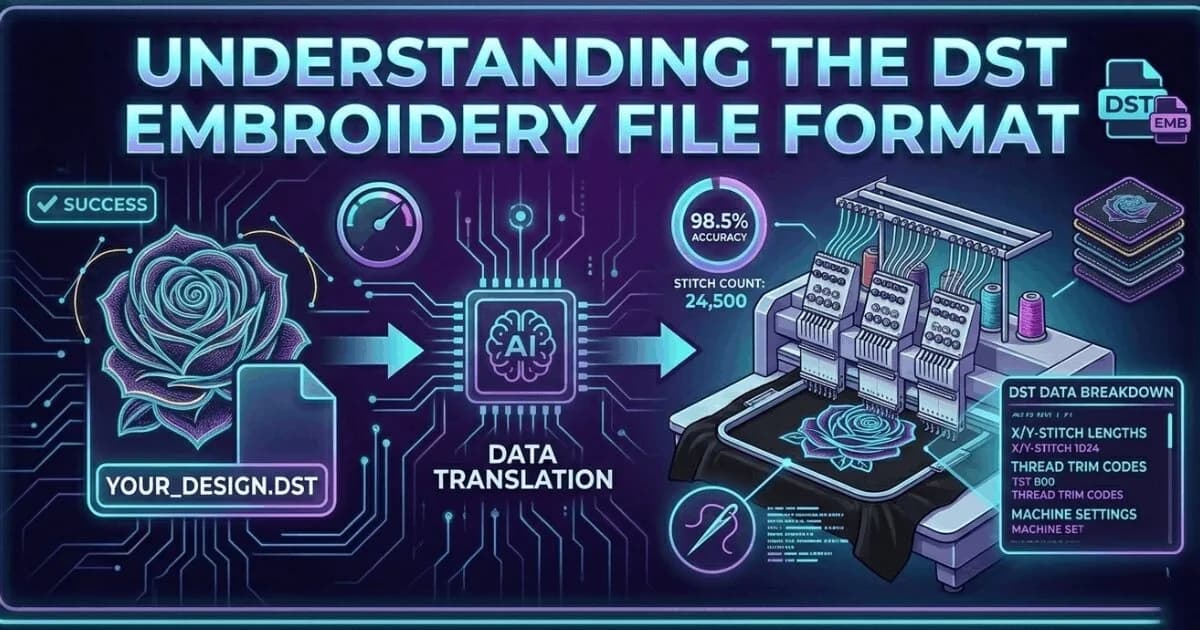
    What Is a DST File? The Commercial Embroidery Format Explained

    What Is a DST File? The Commercial Embroidery Format Explained

    A DST file is the Tajima stitch format used by commercial embroidery machines worldwide. Learn what it contains, which m…

    Read More
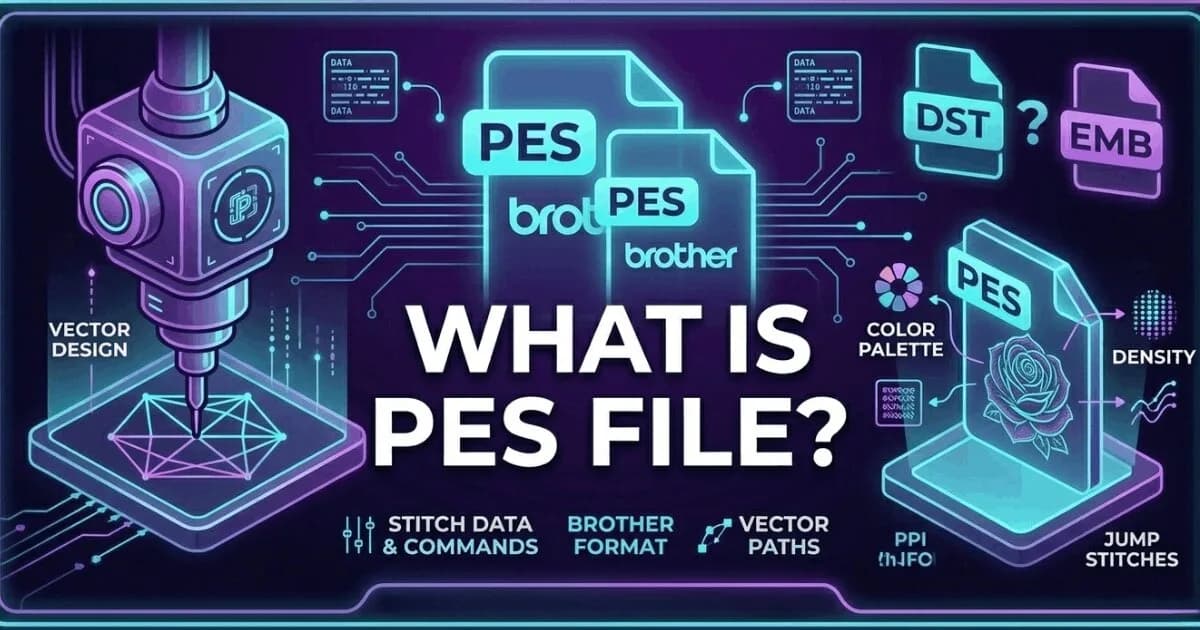
    What Is a PES File? Brother and Baby Lock Embroidery Format Explained

    What Is a PES File? Brother and Baby Lock Embroidery Format Explained

    A PES file is the native embroidery format for Brother and Baby Lock machines. It stores thread colour information insid…

    Read More
    Embroidery File Formats Explained: DST, PES, EMB, JEF, VP3 and More

    Embroidery File Formats Explained: DST, PES, EMB, JEF, VP3 and More

    Complete guide to every major embroidery file format. Learn which format your machine needs, what each file contains, an…

    Read More
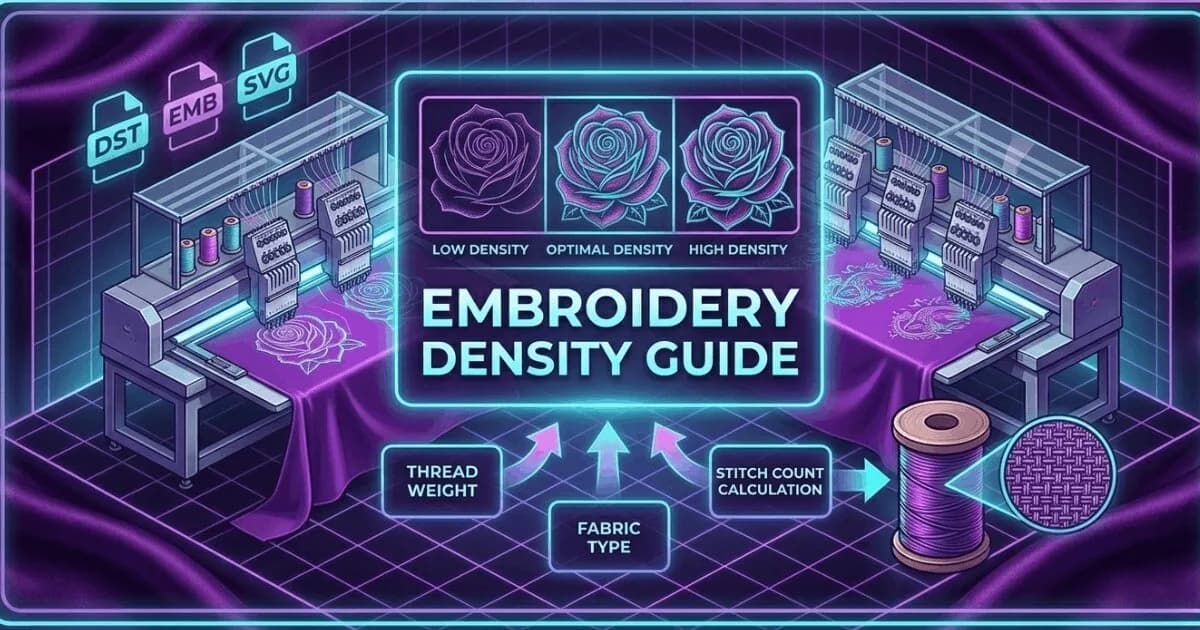
    Embroidery Density Guide: What It Is and Why It Controls Production Quality

    Embroidery Density Guide: What It Is and Why It Controls Production Quality

    Embroidery density controls how many stitches are placed per unit area. Too high causes puckering and thread breaks. Too…

    Read More
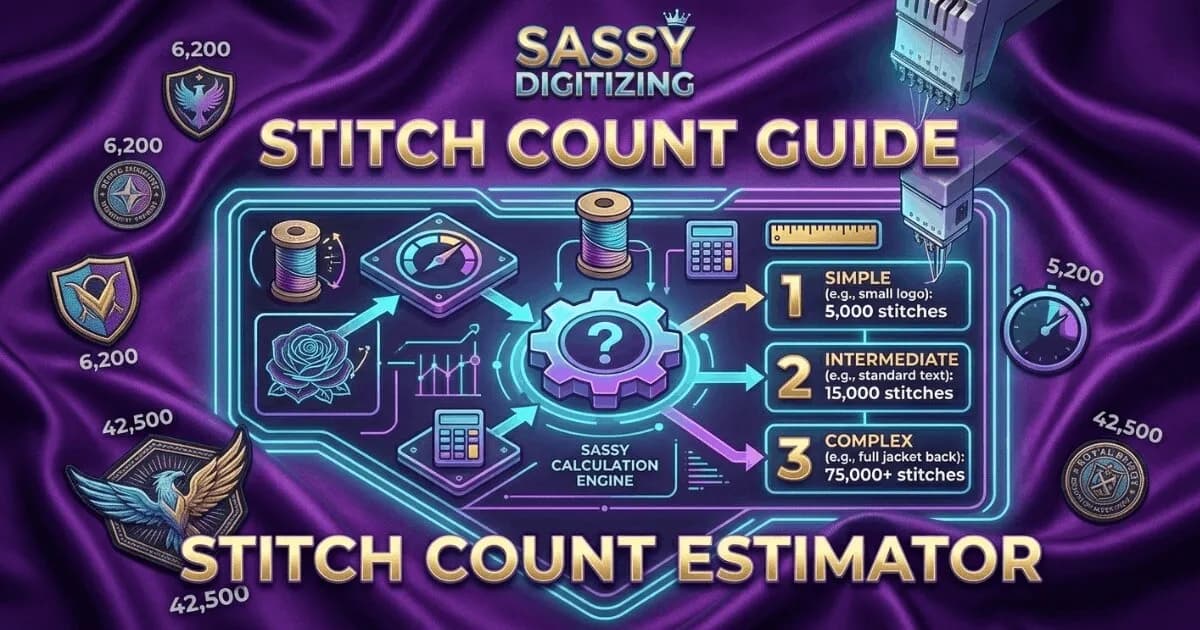
    Embroidery Stitch Count Guide: What It Means and How It Affects Your Price

    Embroidery Stitch Count Guide: What It Means and How It Affects Your Price

    Stitch count is the total number of individual needle penetrations in an embroidery design. It determines pricing, produ…

    Read More
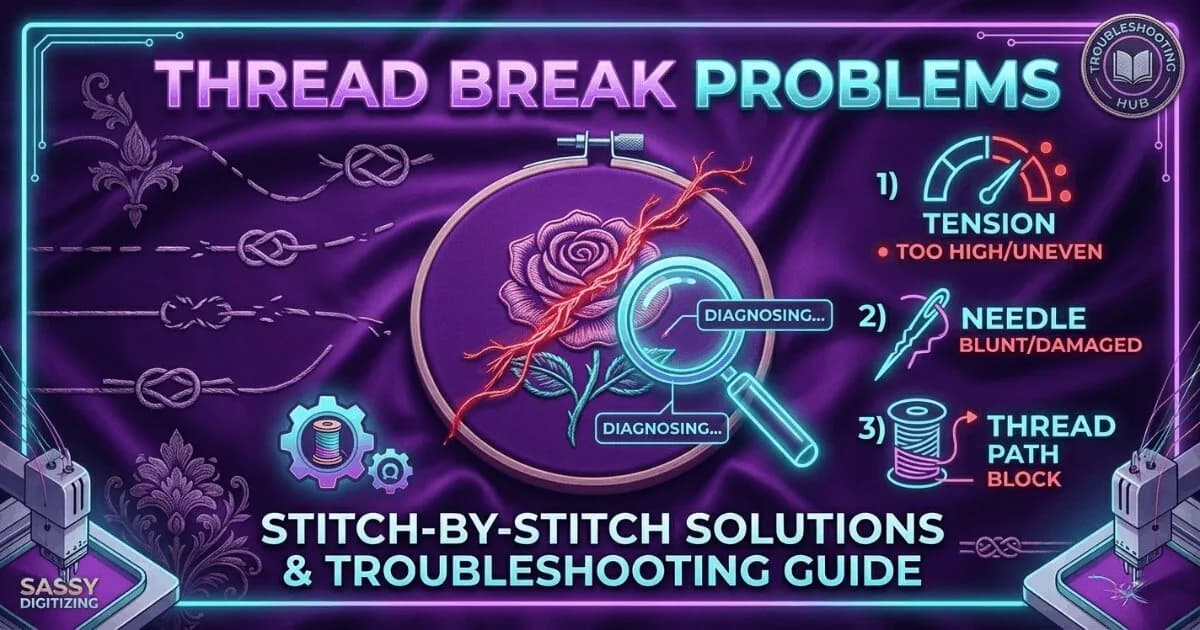
    Why Does Embroidery Thread Keep Breaking? Every Cause and Fix

    Why Does Embroidery Thread Keep Breaking? Every Cause and Fix

    Thread breaks are the most common production problem in embroidery. Learn every cause, how to diagnose which one is affe…

    Read More
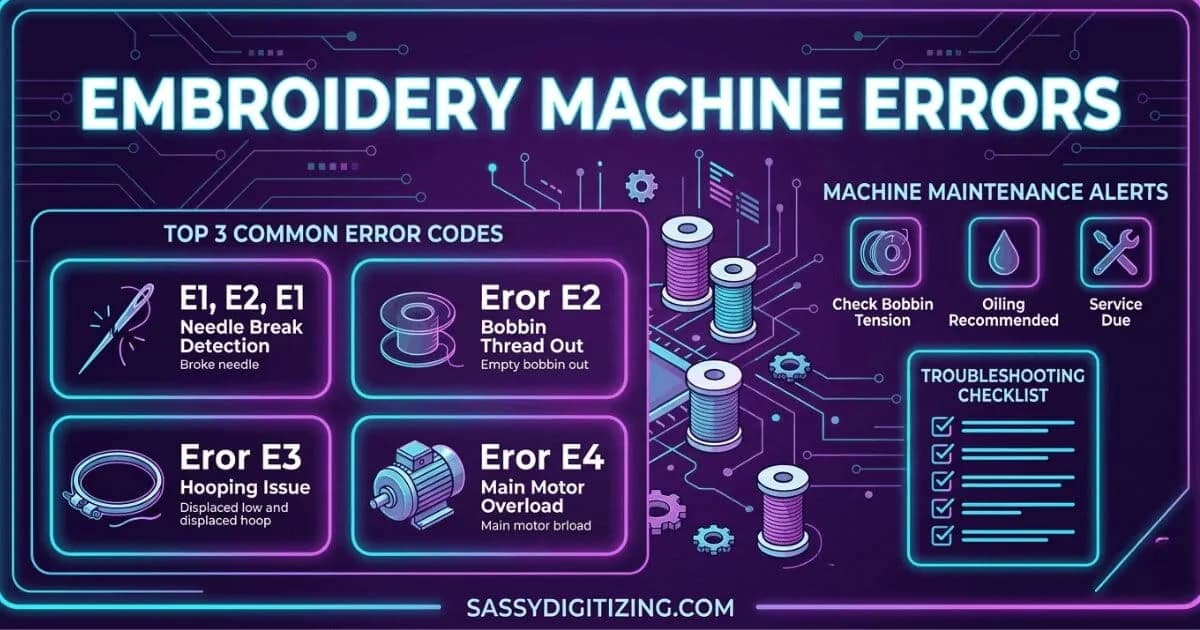
    Embroidery Machine Errors: What They Mean and How to Fix Them

    Embroidery Machine Errors: What They Mean and How to Fix Them

    A guide to the most common embroidery machine error codes and problems. Learn what each error means, what causes it, and…

    Read More
    PNG vs Vector: Which File Format Do You Actually Need?

    PNG vs Vector: Which File Format Do You Actually Need?

    PNG and vector files look similar on screen but are fundamentally different. PNG is for web and digital use. Vector is r…

    Read More
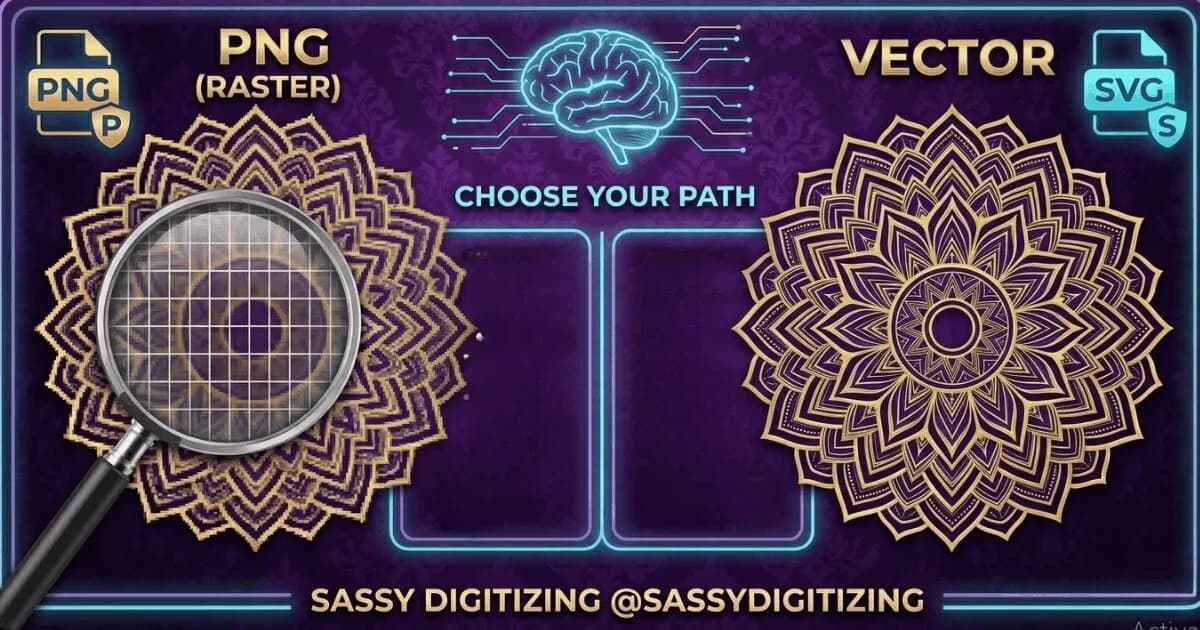
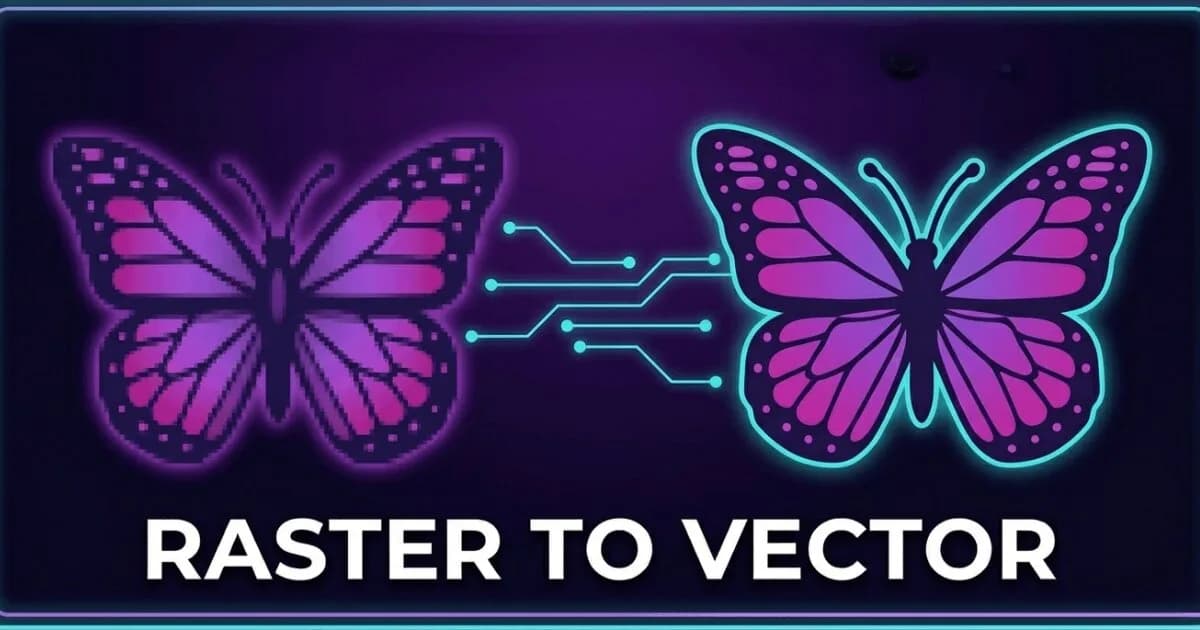
    Vector vs Raster: The Complete Guide for Embroidery and Print Shops

    Vector vs Raster: The Complete Guide for Embroidery and Print Shops

    Vector and raster are the two fundamental image types in digital design. Understanding the difference determines whether…

    Read More
    How to Choose an Embroidery Digitizing Service: 7 Questions to Ask

    How to Choose an Embroidery Digitizing Service: 7 Questions to Ask

    7 questions to ask before choosing an embroidery digitizing service. Covers manual vs auto-digitizing, pricing, turnarou…

    Read More

    Not Sure Which Embroidery File Format You Need?

    Our expert digitizers can convert your artwork into the correct machine-ready embroidery format fast.

    2–4 hour delivery Free revisions Pay after approval
    Create Free Account

    Related Resources

    4 resources
    Knowledge Base
    What Is a DST File?The universal commercial embroidery format explained.
    Knowledge Base
    What Is a PES File?Brother's native embroidery format fully explained.
    Tool
    File Format Guide ToolFind the right format for your machine model.
    Service
    Embroidery Digitizing ServiceGet production-ready files in your format in 2-4 hours.

    Frequently Asked Questions

    Everything you need to know about our embroidery digitizing service, pricing, file formats, turnaround times and revision policy.

    Can I convert between embroidery file formats?

    Yes, embroidery files can be converted between formats like DST, PES, JEF, VP3, and EMB. Sassy Digitizing delivers every order in all requested formats at no extra cost. Professional conversion ensures proper stitch data, color information, and format-specific requirements are maintained. Simply specify your machine brand and model when ordering, and we provide the correct format and version. If you use multiple machine brands, we can provide all required formats in a single order.

    Can embroidery files run on different machine brands?

    DST is the most universally compatible embroidery file format and works on most commercial machines including Tajima, Barudan, ZSK, Happy, and some Brother commercial models. However, home machines typically require brand-specific formats: PES for Brother machines, JEF for Janome, and VP3 for Husqvarna Viking. If you operate multiple machine brands in your shop, Sassy Digitizing can provide all required formats in a single order at no extra cost to ensure compatibility across your entire embroidery machine fleet.

    How do I choose the correct embroidery file format?

    The correct embroidery file format depends on your specific machine brand and model. Check your machine manual or the manufacturer's website for format specifications. Tajima and most commercial multi-head machines use DST. Brother machines require PES. Janome machines use JEF. Husqvarna Viking uses VP3. Wilcom users work with EMB source files. Always provide your exact machine brand and model when ordering digitizing services to ensure you receive the correct compatible format and version.

    What is the best format for long production runs?

    DST is strongly recommended for long commercial production runs due to its stability, universal compatibility across commercial machines, and proven reliability in high-volume manufacturing environments. For Brother commercial machines, PES 6 is commonly used for production. Regardless of format, always run a test stitch on sample fabric before starting full production to verify file quality, density settings, and color sequence. Testing prevents costly production errors and material waste.

    What is the difference between DST and EMB files?

    DST is a machine-ready output file used for stitching embroidery on commercial machines. It contains stitch coordinates and color stops but cannot be edited. EMB is the editable source file format used in Wilcom digitizing software. EMB files contain complete design data including all stitch information, full color details, and editable design objects. You run DST files on your embroidery machine for production. You edit EMB files in Wilcom software for design modifications, resizing, and adjustments.
    FAST. RELIABLE. PROFESSIONAL.

    Your Design, Our Expertise.
    Delivered in 2–4 Hours!

    Upload your artwork and get a machine-ready embroidery file in just 2 to 4 hours. No upfront payment. Pay only after you approve. Free revisions included!

    2–4 Hours

    Rush Turnaround

    100% Approval

    Pay After Approval

    Free Revisions

    Until You're Happy

    Why Choose Us?

    Lightning-Fast Delivery

    Get your file in 2–4 hours, every time.

    Expert Quality

    38+ expert digitizers with years of experience.

    24/7 Support

    We're here to help, anytime you need us.

    Secure & Confidential

    Your files are safe with us. Always.

    Ready to Get Started?

    Upload your artwork now and let our experts deliver perfection, fast.

    1,794+

    Happy Clients

    4.7★

    Client Rating

    38+

    Expert Digitizers

    6+

    Years Experience

    Upload Your Artwork
    Sassy Digitizing LLC – Embroidery Digitizing and Vector Art Services

    Sassy Digitizing LLC

    Manual Embroidery Digitizing & Vector Art Services

    Serving USA · Canada · UK

    Services

    • Cap Digitizing
    • 3D Puff Digitizing
    • Left Chest Digitizing
    • Jacket Back Digitizing
    • Small Letter Digitizing
    • Applique Digitizing
    • PNG to PES
    • Convert Logo to Embroidery
    • DTF / DTG Vector Art
    • Image Vectorization Service
    • Laser Engraving Vector Files
    • Logo / Flyer / Poster Vector Design
    • Screen Printing / Sublimation Vector Art
    • Vinyl Cutting Vector Files

    Tools

    • Stitch Calculator
    • Embroidery Price Calculator
    • Vector Price Calculator
    • Embroidery Size Chart
    • File Format Guide

    Contact

    • +1 716 309 2066
    • +1 815 664 3282
    • info@sassydigitizing.com
    • 30 N Gould St Ste N, Sheridan, WY 82801, USA

    Payment Accept

    Accepted payment gateway methods

    © 2026 Sassy Digitizing LLC. All Rights Reserved.

    Privacy PolicyTerms & ConditionsRefund PolicyDelivery Policy